Navigating in the Menu
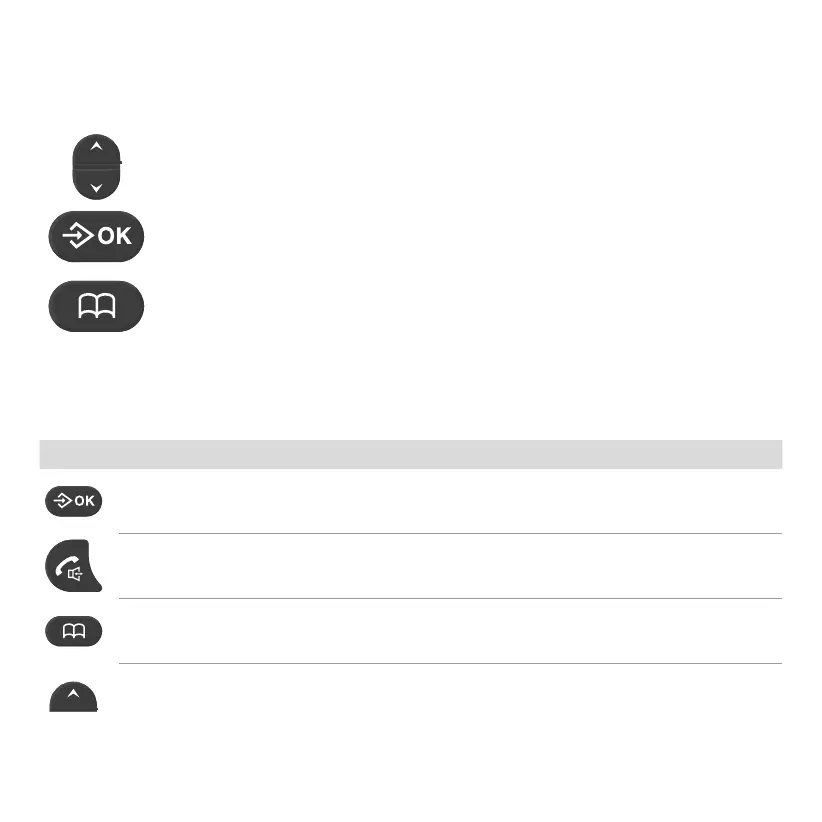
Use the following keys to navigate through the menus provided by the handset�
Navigate up and down in the menu�
Open submenus and conrm entries.
Navigate one menu level back or discard all your entries and settings�
Function Keys
Some keys may have different functions assigned depending on the context or have several
functions assigned� There is more information in the table below�
Icon Signicance
(on the start screen) Open the menu / Conrm input
(during a call) Mute the microphone
(during a call) Switch Handsfree function on and off
Open the phone book
(during a call) Increase the call volume
(on the start screen) View the last call received



 To Next Page