BTX III — Getting Started Guide EN-3
To Turn On the Analyzer
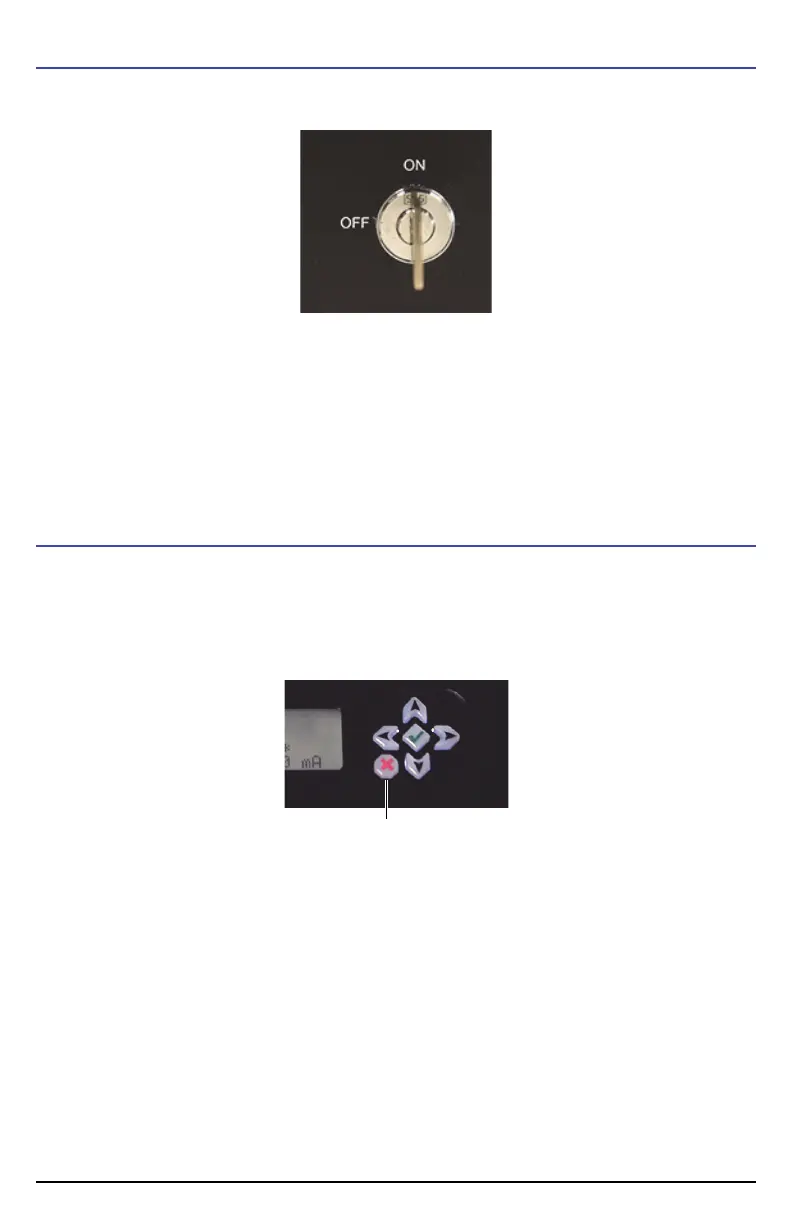
Turn the power key clockwise to the ON position.
The system briefly displays the message:
Welcome to BTX
Please wait
After a few minutes, the display reads:
Cooling to: –45
Current temp: (temperature)
After the detector cools to –45 °C, the main menu appears.
To Turn Off the Analyzer
In case of an emergency:
Turn the power key to the OFF position.
OR
Quickly press twice the Stop/Emergency Shutoff button.
OR
Under normal conditions:
a) Select Shut Down from the main menu to power down the BTX III.
The display reads:
Shutting down...
Please wait...
b) After the analyzer has shut down, turn the power key to the OFF position.
Stop/Emergency
Shutoff button












 To Next Page