EN-4 BTX III — Getting Started Guide
To Load a Sample
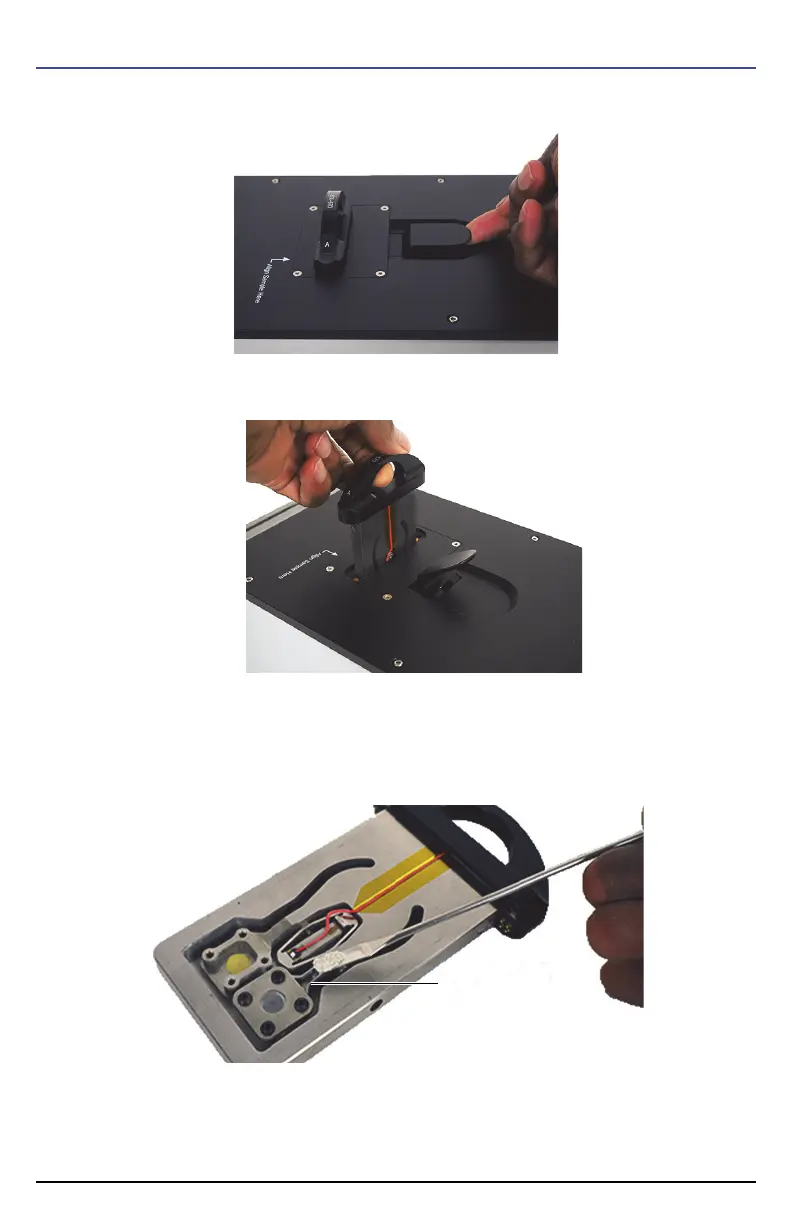
1. Unlock the sample carrier by pulling up the lever.
2. Pull up the carrier handle to remove the sample carrier.
3. Prepare and load a small amount of material (enough to fill the gap created by the spacer) into the
sample carrier cell assembly side A.
For more info on preparing and loading samples, see the BTX III User’s Manual (P/N: 10-015490-
01EN).












 To Next Page