34
3.8 Storage of foot switch
MAJ-2301 INSTRUCTION MANUAL
Ch.3
3.8 Storage of foot switch
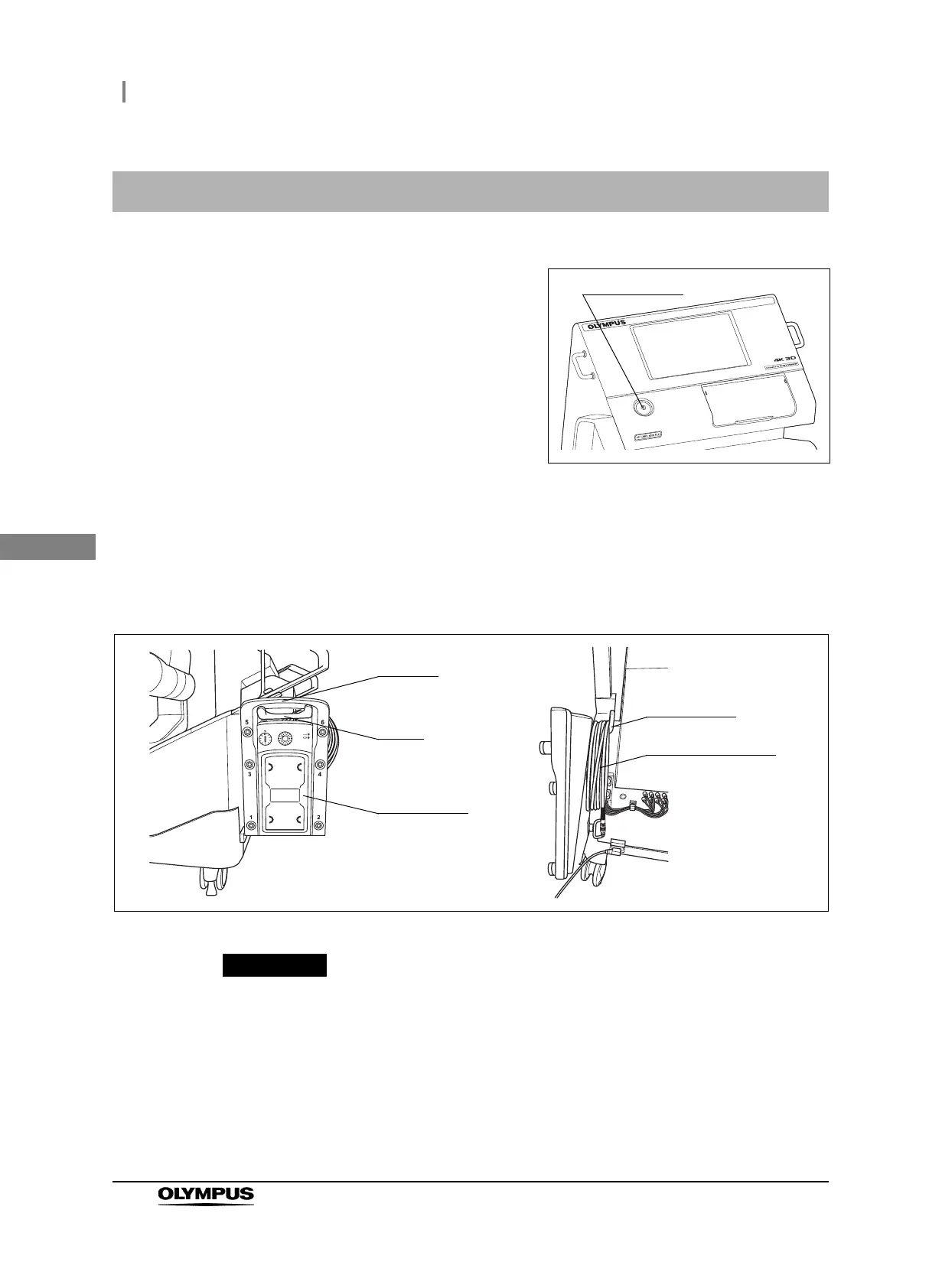
1 Turn off the surgical microscope by pressing
the power switch.
Figure 3.23
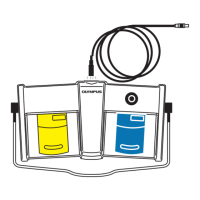
2 When the foot switch cable is used, disconnect it from the foot switch and surgical
microscope.
3 Hang the handle of the foot switch to the hook of the foot switch hanger with the upper
surface of the foot switch facing outward. And hook the foot switch cable around the
cable hook.
Figure 3.24
When the foot switch is not to be used for a long period, remove batteries from the
foot switch and store them separately. Otherwise, over-discharge of batteries may
cause fluid leak, which may eventually lead to equipment damage.
4 When the foot switch cable is not used, disconnect it from the foot switch and surgical
microscope and store in an immediately accessible place.
Handle
Hook
Cable hook
Foot switch cable
Foot switch



 To Next Page