4.5 Inspection of foot switch operation
41
MAJ-2301 INSTRUCTION MANUAL
Ch.4
Inspecting the function of Foot switches A to D
Check that the focusing and zooming functions of the surgical microscope can be controlled
normally from the switches.
• The assignment function of foot switches A to D can be changed. For details, refer
to the instruction manual for the surgical microscope.
• For details on the focusing and zooming functions, refer to the instruction manual
for the surgical microscope.
Inspecting the function of joystick
Check that the movement by the joystick on the foot switch of the surgical microscope can be
controlled normally.
4.5 Inspection of foot switch operation
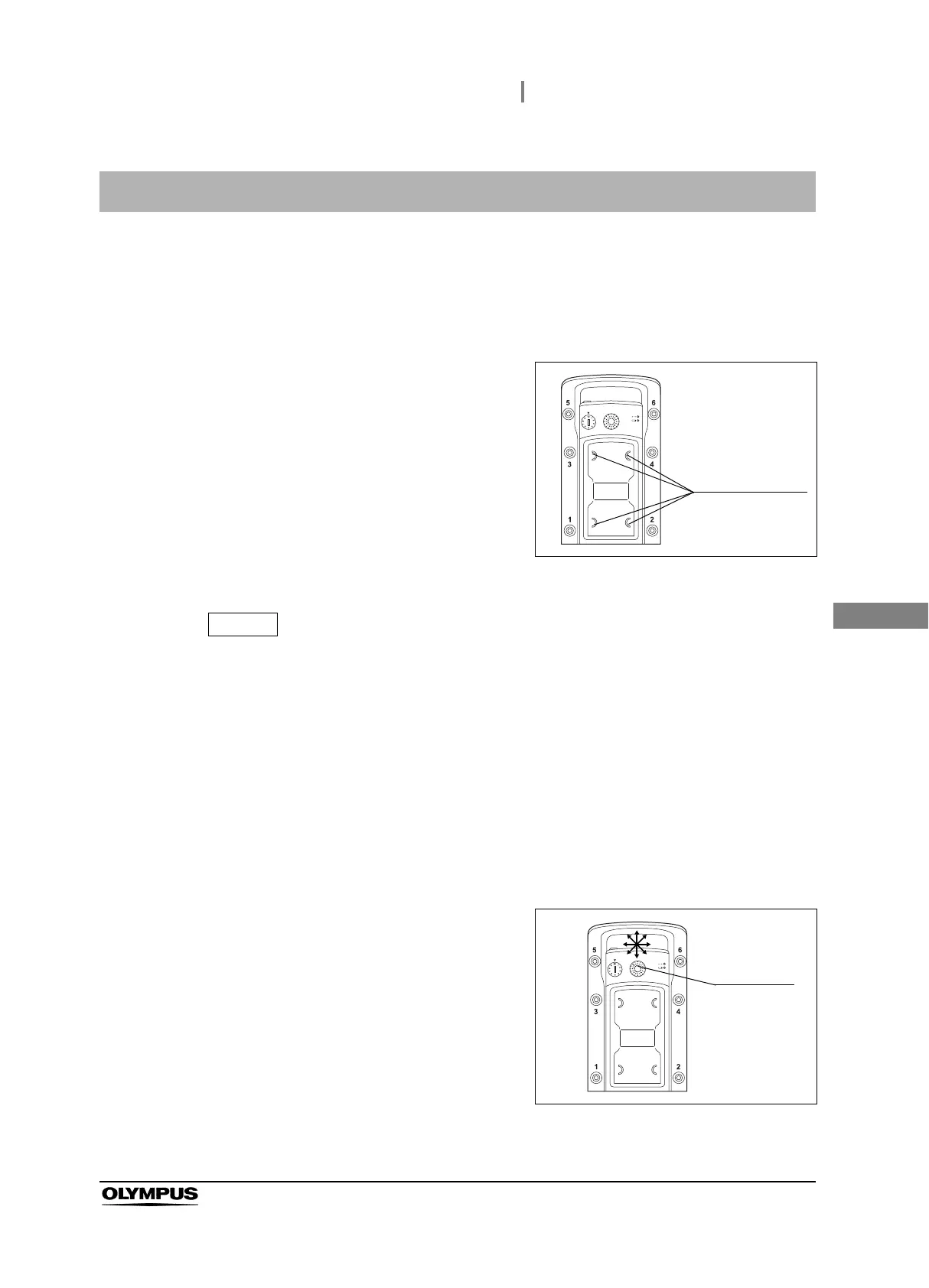
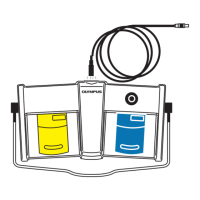
Press each of switches A to D on the foot
switch until it clicks. Observe the observation
monitor and confirm that the focusing and
zooming functions are controllable.
Figure 4.6
Tilt the joystick on the foot switch all the way in
a direction.
Observe the observation monitor and confirm
that the joystick is controllable.
Figure 4.7



 To Next Page