46
5.3 Wired control of foot switch
MAJ-2301 INSTRUCTION MANUAL
Ch.5
5.3 Wired control of foot switch
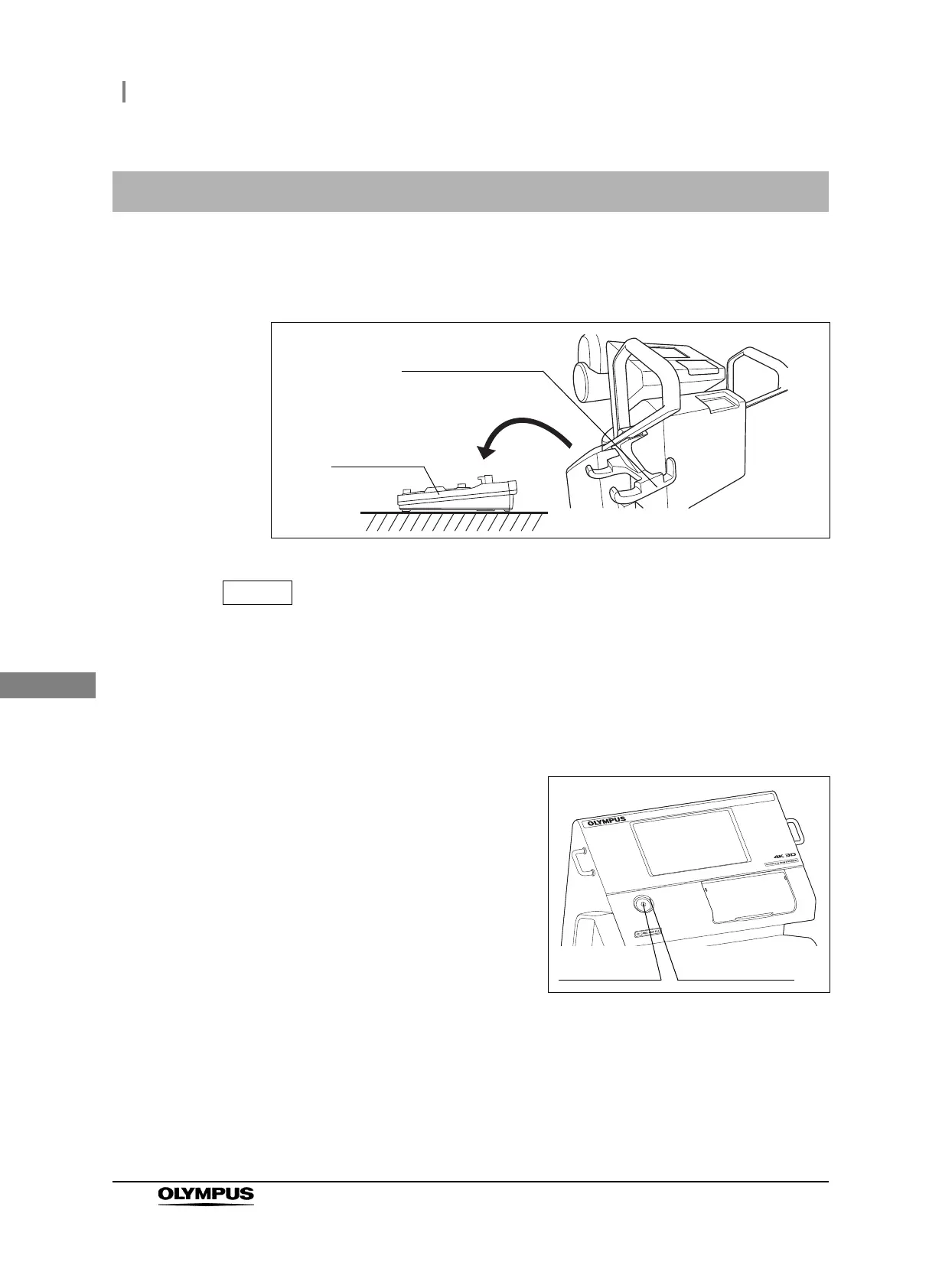
1 Remove the foot switch from the foot switch hanger and place the unit on a level,
stable floor surface.
Figure 5.4
To prevent erroneous inputs, the foot switch is designed not to function when it is
tilted.
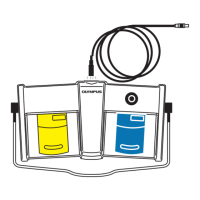
2 Connect the foot switch cable to the foot switch and the foot switch terminal on the
surgical microscope by referring to Section 4.4, “Inspection of foot switch cable (for
wired control)”.
3 Turn on the surgical microscope by pressing
the power switch.
Figure 5.5
4 Press the switches on the foot switch to control the functions of the surgical
microscope. For the operating precautions and functions of the surgical microscope,
refer to the instruction manual for the surgical microscope.
Foot switch hanger
Foot switch
Power switch Power indicator



 To Next Page