System Setup
5
5.7 Setup of the PRINTER SETUP Menu
47
The selected setting is displayed in green on the
monitor.
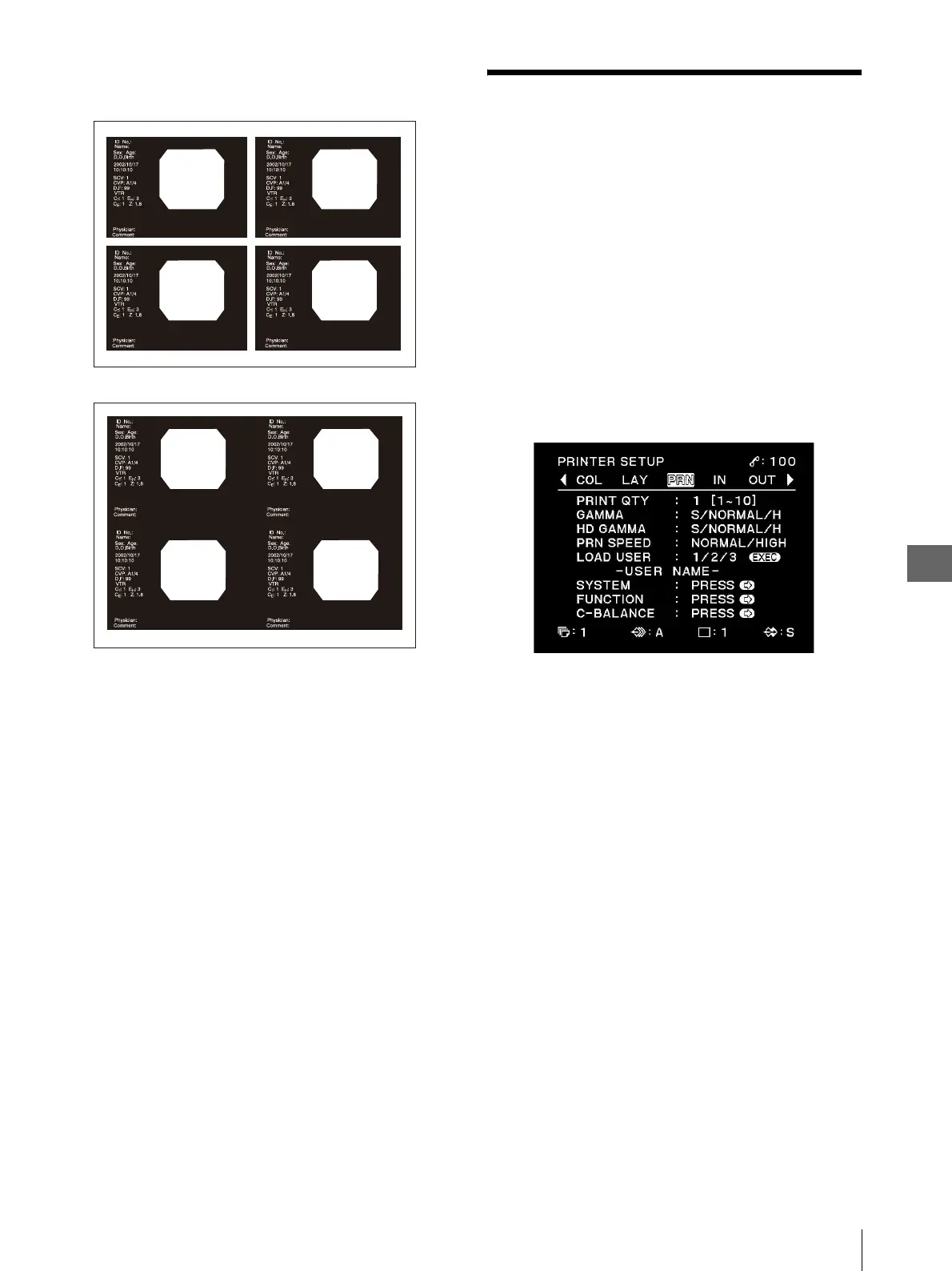
Figure 5.6
5.7 Setup of the
PRINTER SETUP
Menu
This menu is used in the overall setups of this
instrument.
To display the PRINTER SETUP menu
1
Press the MENU button to initiate the menu
display.
2
Press “b” or “B” to display the PRINTER SETUP
menu, which can be identified with characters
“PRINTER SETUP” on the top left of the monitor
(see Figure 5.7).
Figure 5.7
Setting “PRINT QTY”
This item is used to set the number of prints.
“PRINT QTY” can also be set by pressing the PRINT
QTY button on the front panel (see on page 31).
Changing either setup affects the setups of both this item
and the button.
1
Press “v” or “V” to move the cursor on “PRINT
QTY.”
Characters “PRINT QTY” are displayed in green
when the cursor is positioned on this item.
2
Press “b” or “B” to select between “1” and “10.”
The selected setting value is displayed in green on
the monitor.
“ON” (With white frames)
“OFF” (Without white frames)



 To Next Page