Operation
4
4.3 Control From the Remote Control Unit (MAJ-898)
35
1
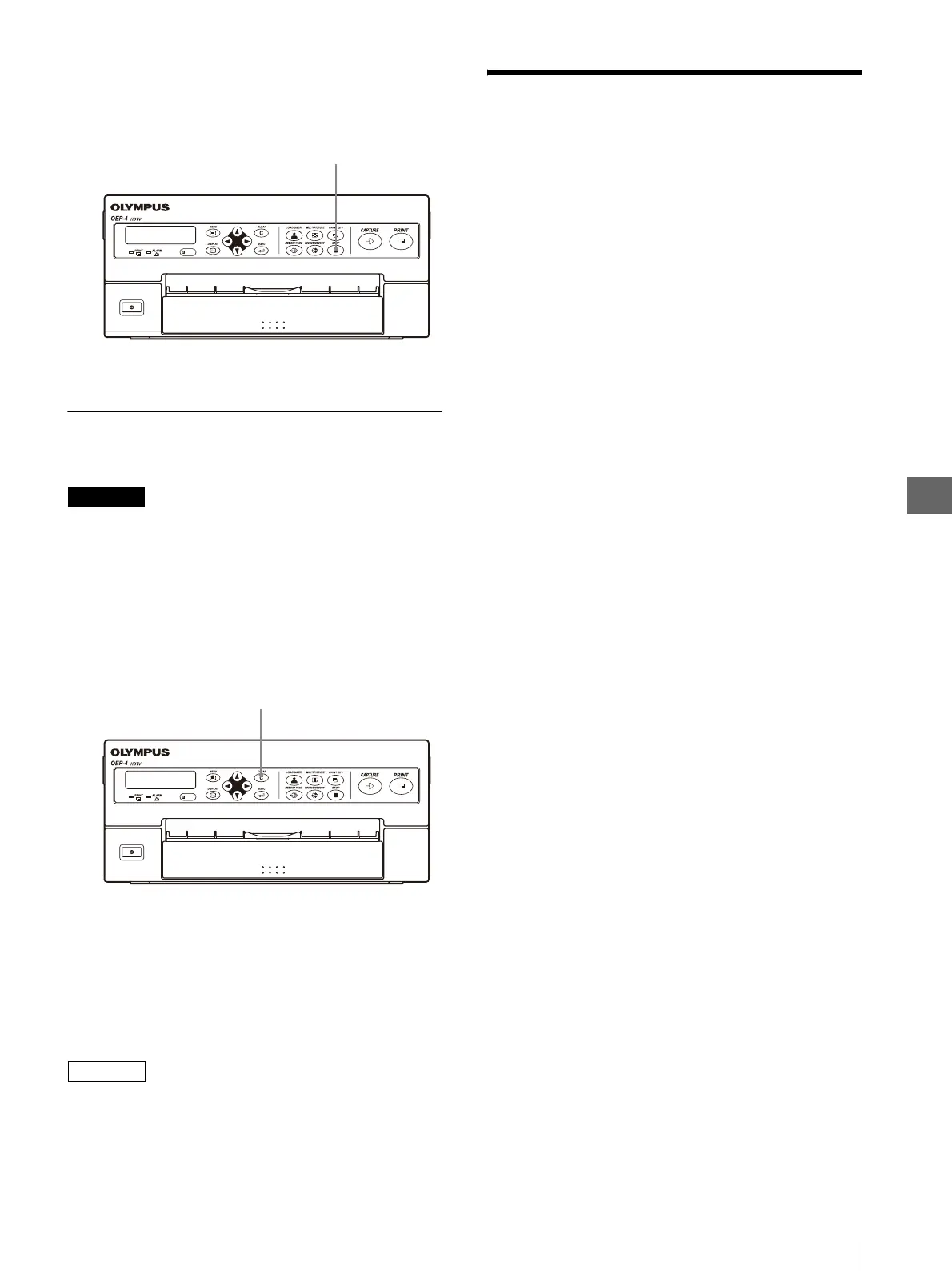
Press the STOP button (see Figure 4.15).
Printing stops after completing printing of the
current sheet.
Figure 4.15
Clearing the Captured Image
The images stored in the memory can be cleared.
CAUTION
• Images cannot be restored once they have been
cleared.
• The image being printed cannot be cleared.
1
While the memory image is being
displayed, press the CLEAR button (see Figure
4.16).
The images stored in the memory are cleared.
Figure 4.16
While the source image is being displayed,
press the CLEAR button.
It will change to the memory image display. Then,
press the CLEAR button again.
The images stored in the memory are cleared.
NOTE
The operation activated by the CLEAR button is variable
depending on the setup. For details, see “Setting
“CLEAR”” on page 61.
4.3 Control From the
Remote Control Unit
(MAJ-898)
The remote control unit (MAJ-898) can be used to
control almost the same functions as those described in
“4.2 Control From the Front Panel” on page 29 from a
position apart from this instrument.
Table 4.4 shows the correspondence between the
switches on the front panel of this instrument and the
keys on the remote control unit (MAJ-898).
STOP button
CLEAR button



 To Next Page