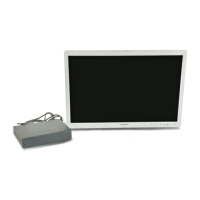
OEV262H
3. Installation and Connection
3.2 Connecting the AC Power Cord
20
When the mobile workstation (WM-NP2, WM-DP2, WM-NP1, WM-WP1, and
WM-DP1) is used
1
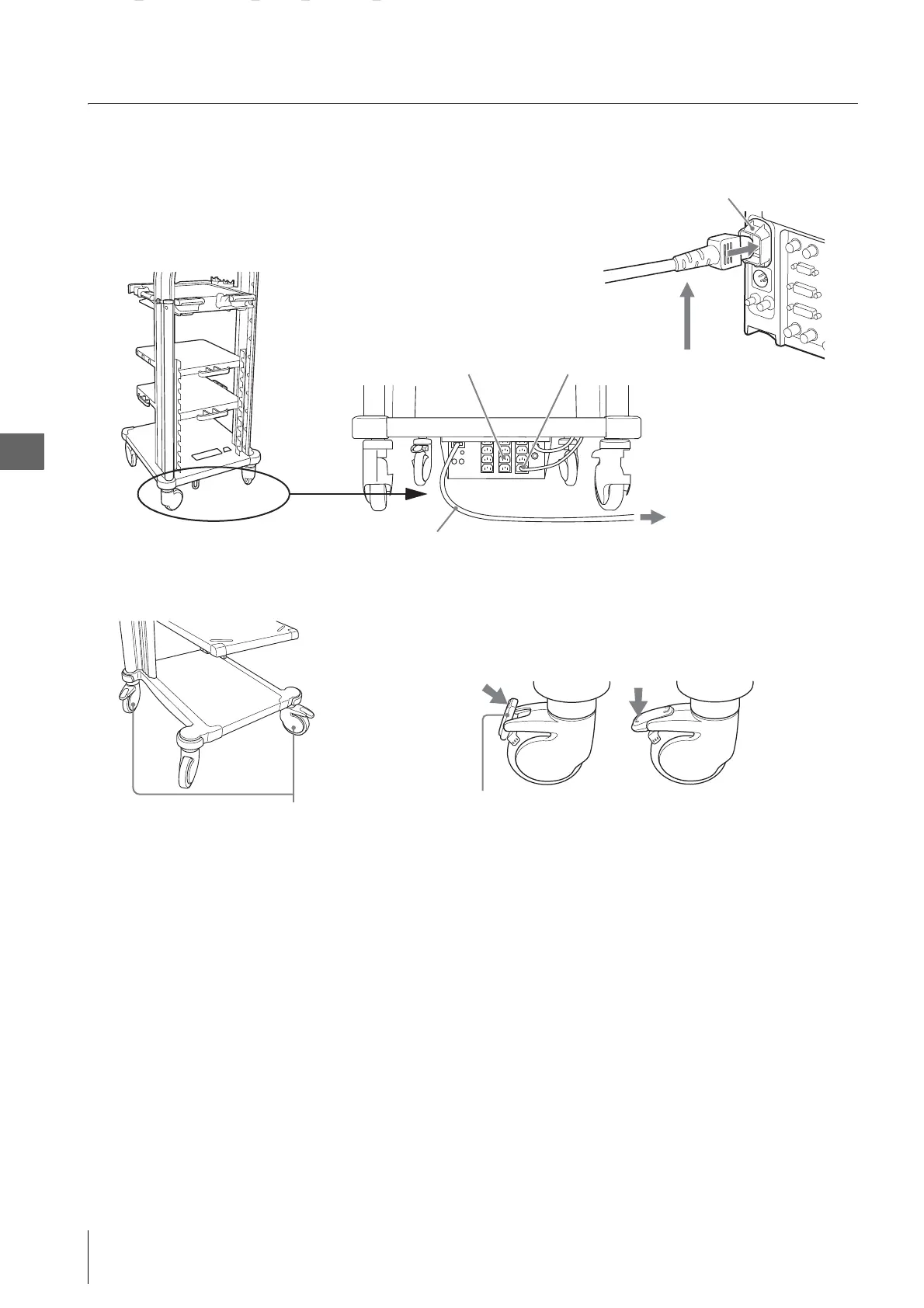
Place the mobile workstation on level surface. Lock the caster brakes by pushing them down.
2
Confirm that the monitor is OFF.
3
Connect the power cord provided with the mobile workstation to the AC power inlet of the monitor and the power
socket of the mobile workstation.
AC IN
Mobile workstation
Power cord of the mobile workstation
Power socket Power cord provided with the mobile workstation
to the wall mains outlet
OEV262H
Caster
Engaging the caster
brakes
Releasing the caster brakes
Caster brake
m


 To Next Page