84
Chapter 5 Operation
VIDEO SYSTEM OTV-SI
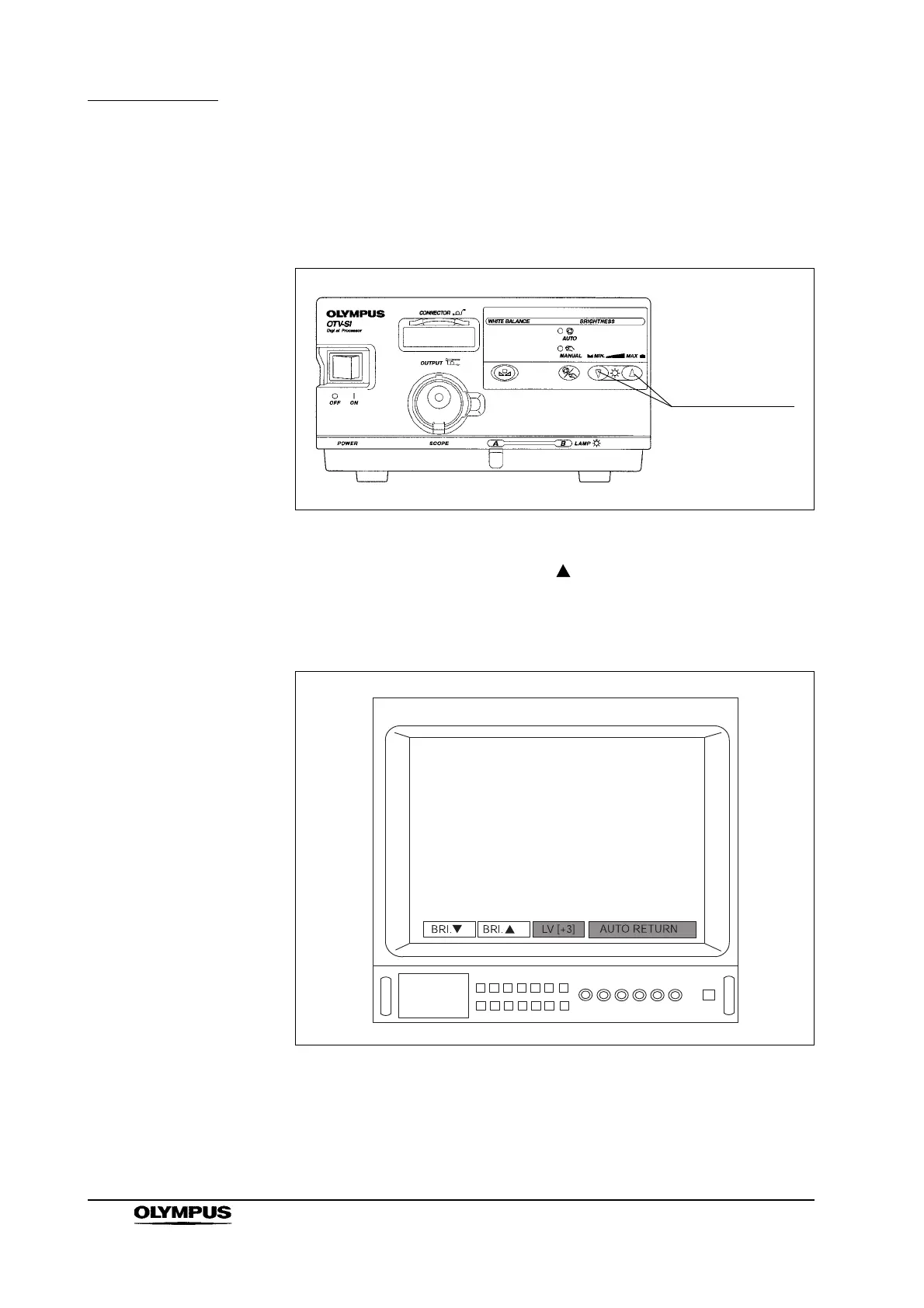
Using the brightness control switches on the front panel
Press the brightness control switches on the instrument’s front panel to change
the brightness of the endoscopic image (see Figure 5.38).
Figure 5.38
1. To increase the brightness, press the switch. Each time the switch is
pressed, the menu value on the video monitor increases, and the brightness
of the endoscopic image increases one level. Holding down the switch
increases the brightness continuously (see Figure 5.39).
Figure 5.39
Brightness
control switches


 To Next Page
 Loading...










