SET Registering
favorite
pictures
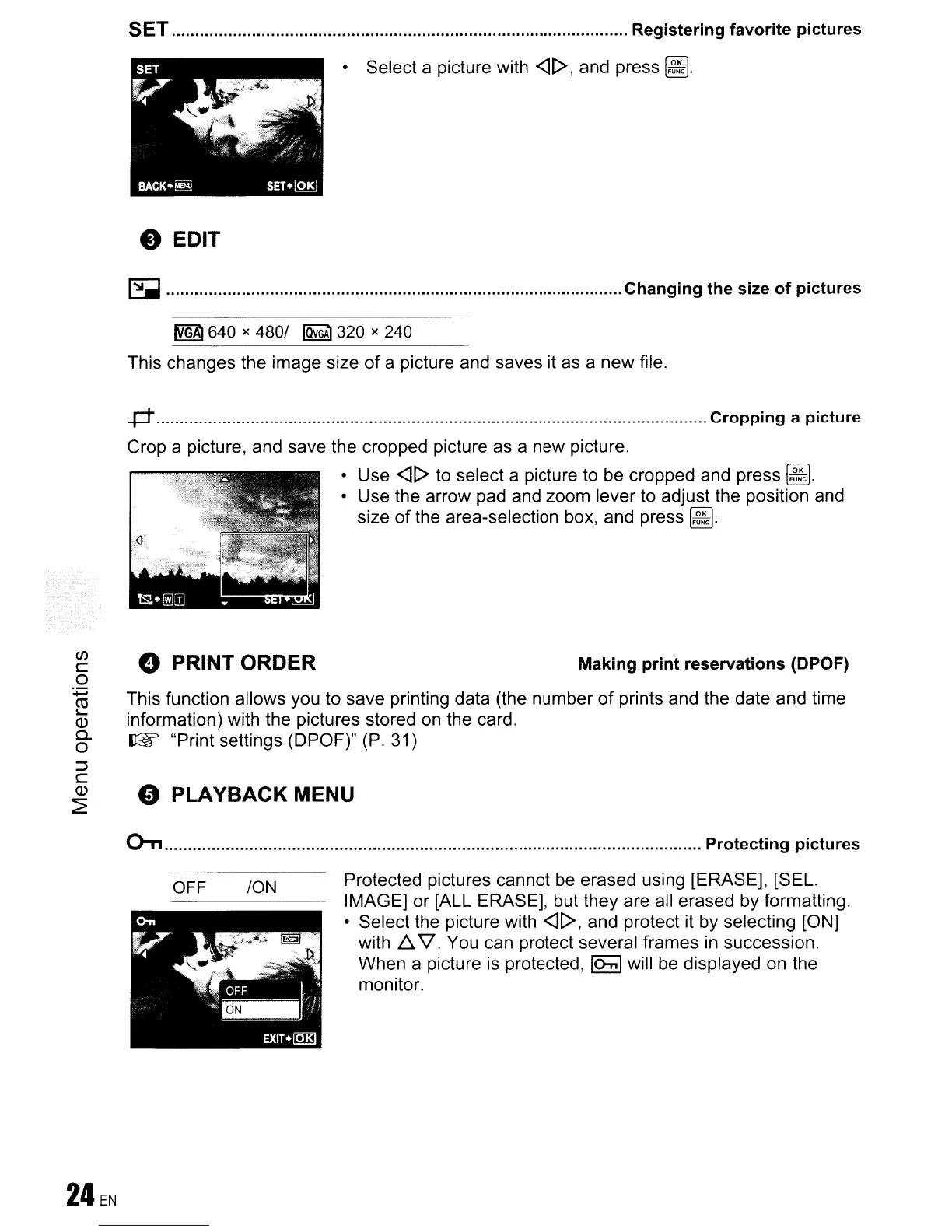
• Select a picture with
<]1>,
and press
~.
e EDIT
~
Changing the size
of
pictures
~
640 x
4801
IQvGAl
320 x 240
This changes the image size
of
a picture and saves it as a new file.
..p-
Cropping
a
picture
Crop a picture, and save the cropped picture as a new picture.
• Use
<]1>
to select a picture to be cropped and press
~.
• Use the arrow pad and zoom lever to adjust the position and
size
of
the area-selection box, and press
~.
o PLAYBACK MENU
This function allows you to save printing data (the number
of
prints and the date and time
information) with the pictures stored
on
the card.
(1:% "Print settings (DPOF)" (P. 31)
(J)
c
o
+-'
rn
'--
Q)
c..
o
:::J
C
(])
~
e PRINT ORDER
Making
print
reservations
(DPOF)
OTI
Protecting
pictures
OFF
ION
Protected pictures cannot
be
erased using [ERASE], [SEL.
IMAGE]
or
[ALL ERASE], but they are all erased by formatting.
• Select the picture with
<]1>,
and protect it by selecting [ON]
with
L::,.
V.
You can protect several frames in succession.
When a picture
is
protected,
IOnI
will be displayed on the
monitor.









 To Next Page