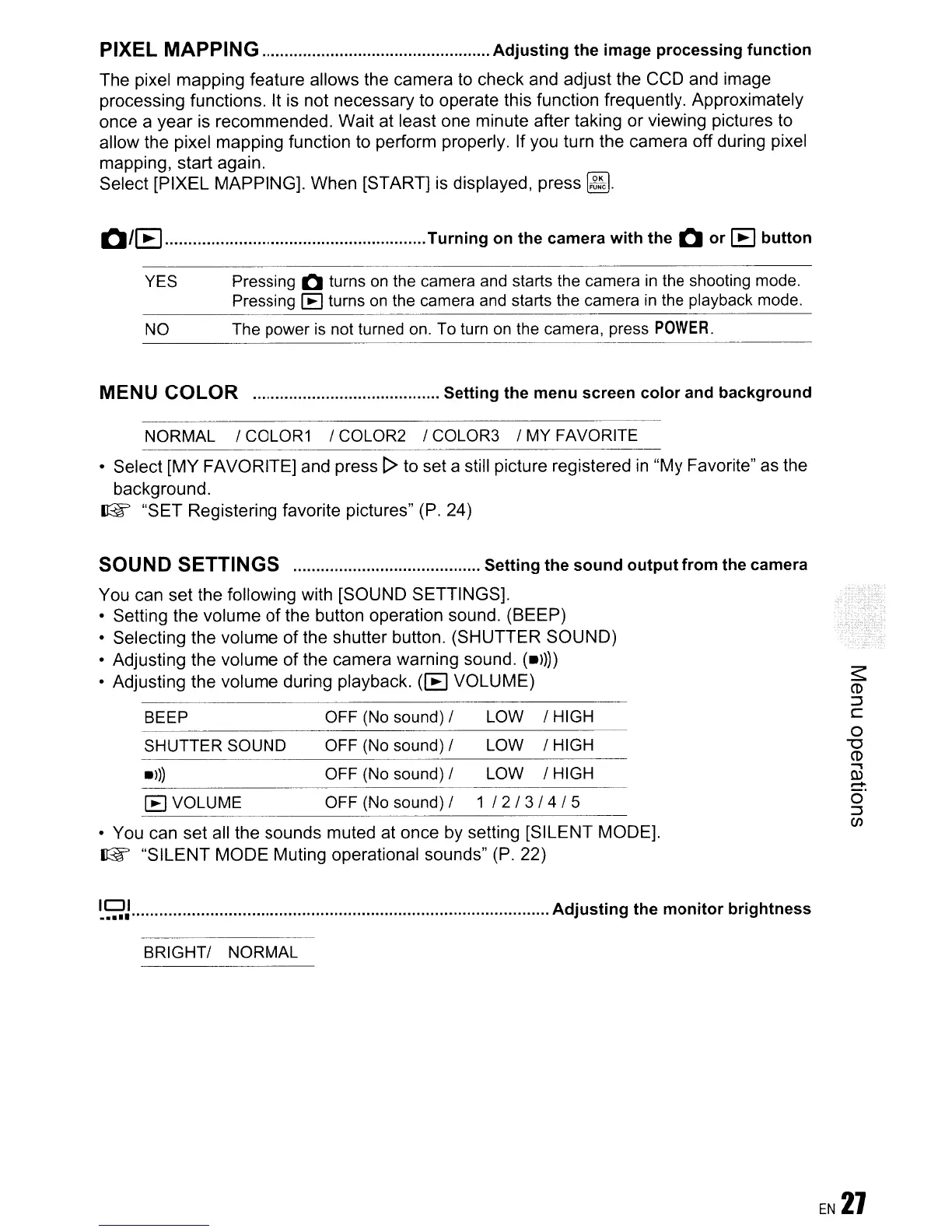
PIXEL MAPPING
Adjusting
the
image
processing
function
The pixel mapping feature allows the camera
to
check and adjust the CCD and image
processing functions.
It
is not necessary to operate this function frequently. Approximately
once a year is recommended. Wait at least one minute after taking or viewing pictures to
allow the pixel mapping function to perform properly. If you turn the camera off during pixel
mapping, start again.
Select [PIXEL MAPPING]. When [START] is displayed, press
~.
Q/~
Turning
on
the camera
with
the
Q
or
[B
button
YES Pressing Q turns on the camera and starts the camera
in
the shooting mode.
Pressing
~
turns
on
the camera and starts the camera
in
the playback mode.
NO
The power
is
not turned
on.
To turn
on
the camera, press
POWER.
---------
MENU COLOR Setting
the
menu
screen
color
and
background
NORMAL / COLOR1 / COLOR2 / COLOR3 / MY FAVORITE
• Select [MY FAVORITE] and press [> to set a still picture registered
in
"My Favorite" as the
background.
IJ@f'
"SET Registering favorite pictures" (P. 24)
SOUND SETTINGS Setting
the
sound
output
from
the camera
You can set the following with [SOUND SETTINGS].
• Setting the volume
of
the button operation sound. (BEEP)
• Selecting the volume of the shutter button. (SHUTTER SOUND)
• Adjusting the volume of the camera warning sound.
(.l)))
• Adjusting the volume during playback.
([8
VOLUME)
BEEP OFF
(No
sound) / LOW / HIGH
SHUTTER SOUND OFF (No sound) / LOW / HIGH
.ll)
OFF (No sound) / LOW / HIGH
~
VOLUME OFF
(No
sound) / 1
/2/3/4/5
• You can set all the sounds muted at once
by
setting [SILENT MODE].
IJ@f'
"SILENT MODE Muting operational sounds" (P. 22)
~9J
Adjusting
the
monitor
brightness
BRIGHT/ NORMAL









 To Next Page