Playback tips
!"""_~_
..
.,.
,m.4·.bUOCii.~
IC_
"al-'~
.,._'
•
'_.
__
•
Playing back pictures
in
the internal memory
• When a card has been inserted
in
the camera, the pictures in the internal memory cannot
be played back. Pull out the card before operating the camera.
--
.~
--~'--
, ,
.......
-
._-),'..,---.._--~
, Viewing picture information
• Play back a picture, and press DISP./f). Press DISP.lf) repeatedly to change the amount
of information displayed.
Il@f' "DISP./f) button Changing the information
on
displaylDisplay the menu guide"
(P.
13)
~~-"-_1:_"'.fJ!.
~
I •
.~~_,~~"'.,
__
."""~'
'~~-
,'"''''
......
~
...
Quickly displaying a desired picture
• Turn the zoom lever to the W-side to display the pictures as thumbnails (index display).
Il@f'
"Zoom lever Zooming while shooting/Close-up playback" (P. 16)
Erasing sound recorded to still pictures
• Once sound
is
added to a picture,
it
is
not possible to erase the sound.
In
this case, make
a re-recording with silence.
Il@f'
"~Adding
sound to still pictures"
(P.
25)
Viewing pictures
on
a computer
: Viewing the entire picture
on
a computer screen
The size of the picture displayed on a computer screen changes depending on the computer
settings. When the monitor setting is 1,024 x
768
and you are using Internet Explorer to view
a picture with
an
image size of
2,048
x 1,536 at
100%;
the entire picture cannot be viewed
without scrolling. There are several ways you can view the entire picture
on
the computer
screen.
View
the
picture
using
image
browsing
software
• Install the OLYMPUS Master 2 software from the provided CD-ROM.
Change
the
monitor
setting
• The icons
on
the computer desktop may be rearranged. For details
of
changing the
settings
on
your computer, refer to the computer's instruction manual.
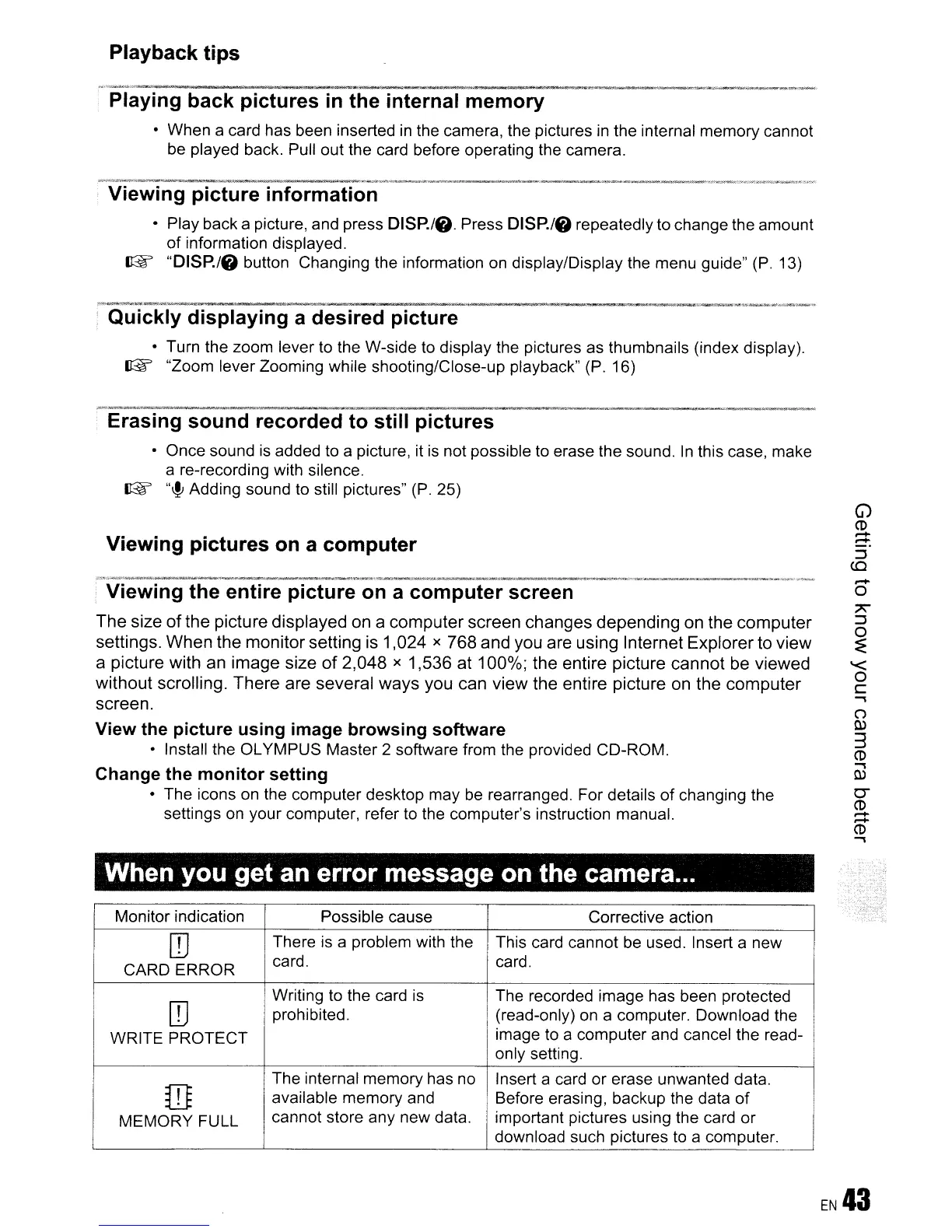
When you get an error message on the camera...
Monitor indication
Possible cause Corrective action
[0
There
is
a problem with the
This card cannot be used. Insert a new
CARD ERROR
card. card.
[0
Writing to the card
is
The recorded image has been protected
prohibited. (read-only)
on
a computer. Download the
WRITE PROTECT
image to a computer and cancel the read-
only setting.
The internal memory has no Insert a card or erase unwanted data.
ill
available memory and Before erasing, backup the data
of
MEMORY FULL
cannot store any new data. important pictures using the card or
I
download such pictures to a computer.
~
) ' ..









 To Next Page