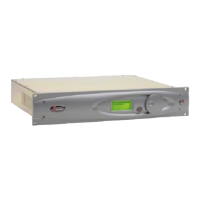
Omnia 6 Use and Installation Guide – Version 1.00a
106
106
Diagnosing abnormal boot up behavior
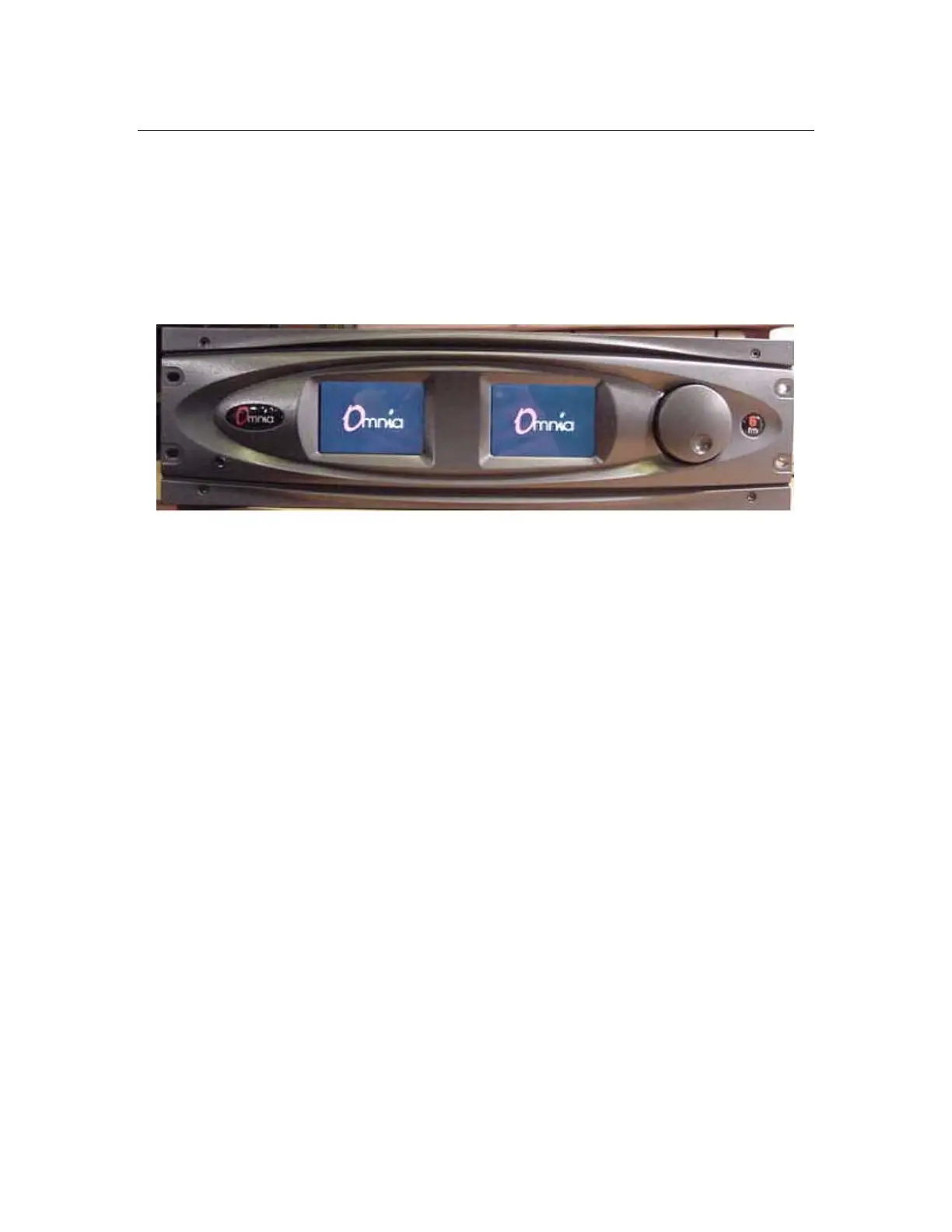
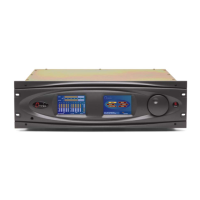
The rotating Omnia logos are shown below stopped and not replaced by the usual menu and meter screens.
This means that one or more functions on the Omnia motherboard have not been initialized, but the front
panel is alive and well. In this scenario, it is helpful to view the Omnia 6 boot progress using the rear panel
RS-232 serial port and the procedure outlined earlier in this chapter.
Possible causes for this behavior are:
1. The rear-panel PCMCIA memory card is not properly seated in its socket. Power off the unit, reseat
the card, and power on again. If the problem does not clear up, call the Telos/Omnia Customer Focus
department for instructions.
2. The rear-panel PCMCIA memory card has become corrupted.
3. There has been a problem loading the DSP code algorithms, perhaps because of a faulty DSP card.
4. There is a problem on the motherboard that is preventing the main CPU from booting up. Call the
Telos/Omnia Customer Focus department for instructions.


 To Next Page