14 15
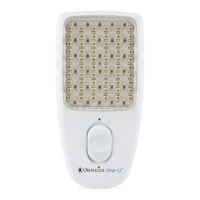
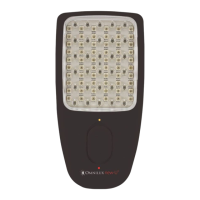
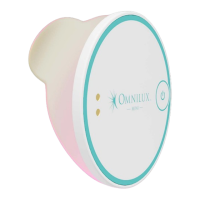
OMNILUX™ MINI BLEMISH ERASER
Potential Benets
People who have undergone a course of 4 weekly
treatments for 6 weeks using the Blemish Eraser device
report a reduction in mild to moderate acne vulgaris.
First Time Setup
Unpacking and charging The Blemish Eraser
device
Unpack the Blemish Eraser device and check off the parts
described in Device description.
Visually inspect the parts and connections. Return the device
to your supplier if you think the device or connecting parts
or components are damaged or have been previously used.
DO NOT use the Blemish Eraser device if you notice device
or connecting parts or components are damaged.
Charging the Blemish Eraser device
Before use, fully charge the device.
The Blemish Eraser device uses an integrated lithium-ion
polymer battery. When the LED device is connected to
the power supply do not attempt to use the device as
the LEDs will not illuminate.
1. To charge the Blemish Eraser device battery connect the
2-pin connection cable to the port on the upper side of
the LED device.
2. Insert the USB A connector into a suitable USB power
supply or laptop port.
3. The indicator LED will illuminate Orange to show that the
device is charging. The device is fully charged when the
indicator LED is solid green.


 To Next Page