24 25
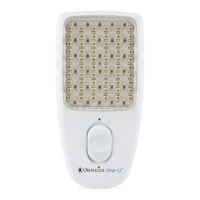
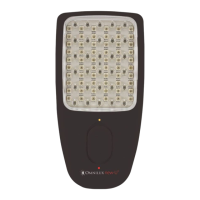
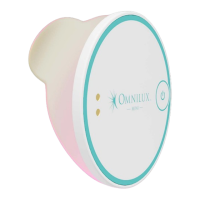
OMNILUX™ MINI BLEMISH ERASER
Problem Possible Cause Action
When the Blemish
Eraser device
is
switched on the
Treatment LEDs
ash.
Insufcient battery
to complete a
treatment.
Connect the 2-pin connection
cable to the port on the upper
side of the LED device. Insert the
USB A connector into a suitable
USB port power supply or laptop
and charge until indicator light
turns from orange to green.
Indicator light is
not illuminated and
does not illuminate
during charging.
No red or infrared
light from the
Blemish Eraser
device
.
The Blemish
Eraser device
is
faulty.
Contact your place of purchase
to arrange a return or contact the
Omnilux Customer Service email:
info@omniluxled.com
No blue or red
light from the
Blemish Eraser
device
.
The Blemish
Eraser device
connected to an
electrical outlet.
Ensure that the indicator light
is solid Green. Remove the
magnetic charging connector
from the Blemish Eraser device
and ensure that the charging
cable is unplugged from the
charging source.
Treatment LEDs do
NOT turn OFF after
10 minutes.
The Blemish
Eraser device is
faulty.
Contact your place of purchase
to arrange a return or contact the
Omnilux Customer Service email:
info@omniluxled.com
Treatment LEDs
icker continuously
during treatment.
The Blemish
Eraser device is
faulty.
Ensure that the Blemish Eraser
device is fully charged, and the
green light is illuminated. If the
green light is illuminated and
the LEDs continue to icker
contact your place of purchase
to arrange a return or contact
the Omnilux Customer Service
email: info@omniluxled.com


 To Next Page