LVS-7500 External System Operations Manual
LVS-7500 External System Operations Manual Page 124 of 129
Appendix D: Upgrading Software
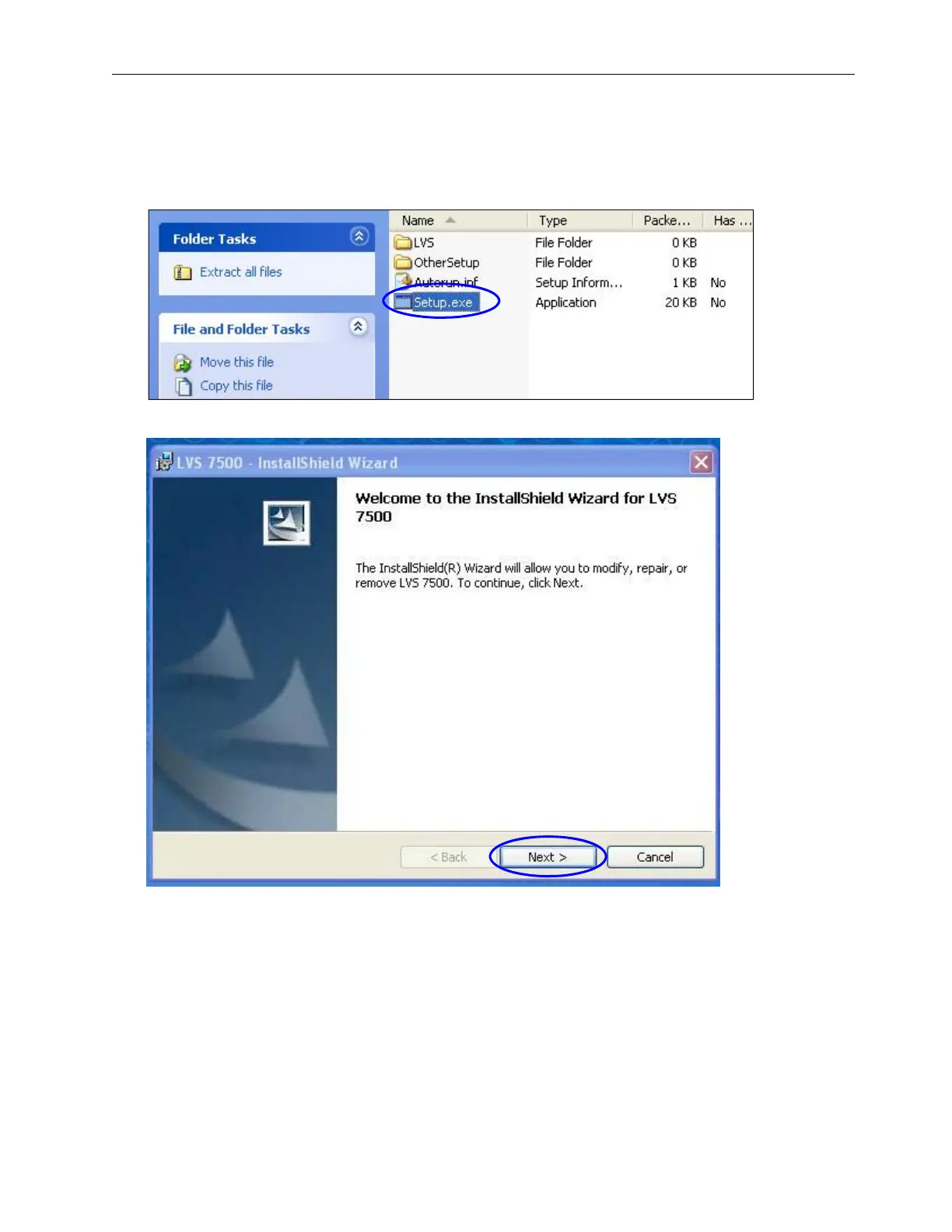
1. After receiving the LVS-7500 software files to download, open the .zip folder and double-click the
Setup.exe icon (see below).
2. When the InstallShield Wizard appears, click Next (see below).



 To Next Page