LVS-7500 External System Operations Manual
LVS-7500 External System Operations Manual Page 92 of 129
Reports / QC File Viewer
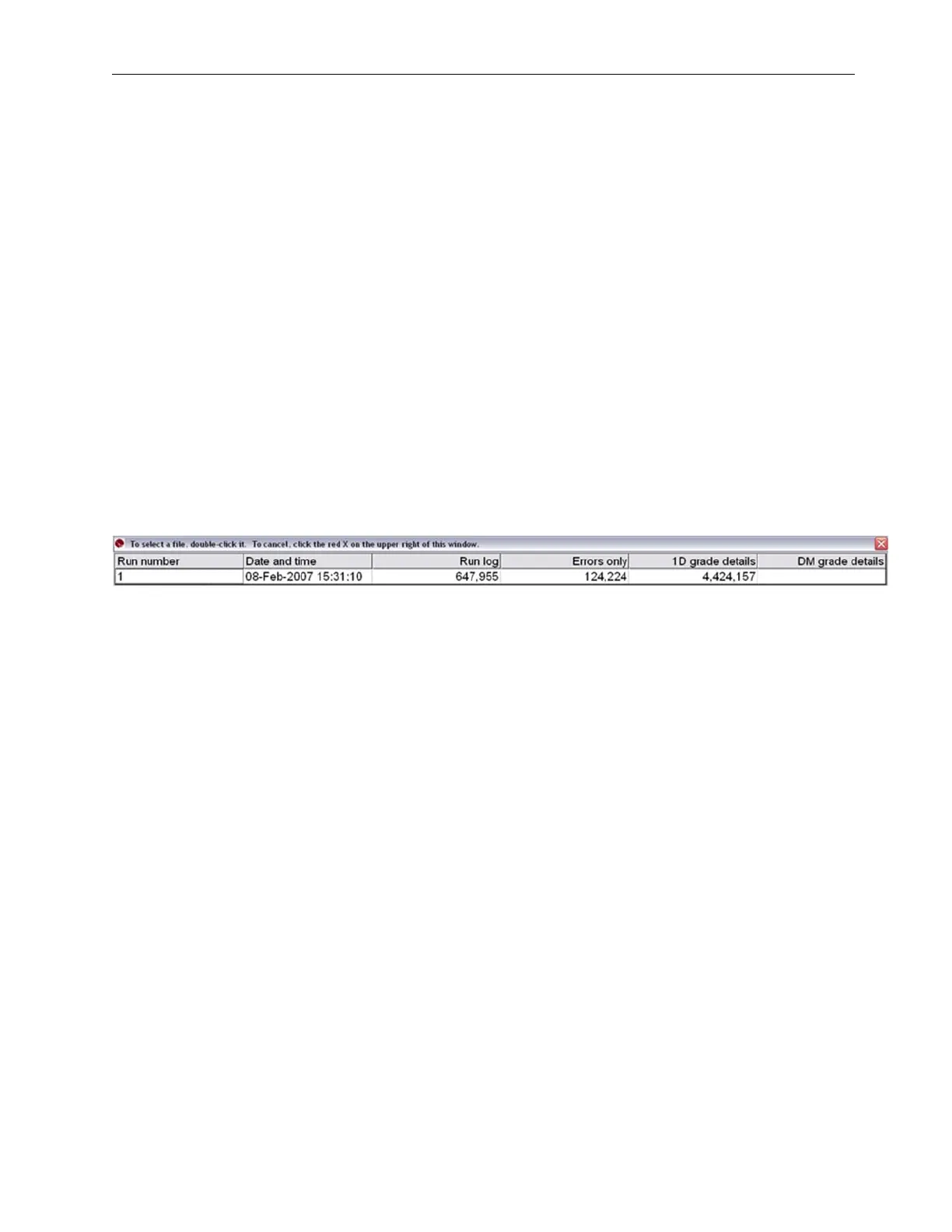
The Reports Screen is detailed and navigation tools have been added to help the operator locate errors. The
operator can also print a report for an entire “run” or choose to print a report of just the errors. The Labeled
Column Headers are used to locate the report desired. Click on the Run Log to see all sectors overall data for
that particular run. When using the Barcode Verifier software, all ANSI/ISO parameters are reported under 1D,
2D grade details. To view these click on the appropriate run under that header. The data is stored in a file format
commonly known as a CSV (Comma Separated Values). It is sometimes referred to as a Comma Separated
File. This format is a text file where fields are delimited by commas and records are delimited by a <CR><LF>
pair. It is a standard interchange format for taking raw data and populating a database or spreadsheet. By default
these files are stored in the following directories:
• For new installations of software version 5.6.3 on Windows® 7 Professional and Windows® 8.1
Professional operating systems: C:\LvsData\LVS 7500\Jobs
• For systems that are upgrading from a previous software version to version 5.6.3 or higher:
o Windows® XP: C:\Program Files\Label Vision Systems\LVS 7500\Jobs
o Windows® 7: C:\Users\[User Login Name]\AppData\Roaming\Label Vision Systems\LVS 7500\Jobs
The Reports Screen (see below) shows a report for each sector. Each line of data starts with the gate number
followed by a date/time stamp, decoded string, error code (if any), and other data associated with the image
being inspected.
See the “Error Code Definitions” section for a full list of error codes.



 To Next Page