LVS-7500 External System Operations Manual
LVS-7500 External System Operations Manual Page 7 of 129
Log In
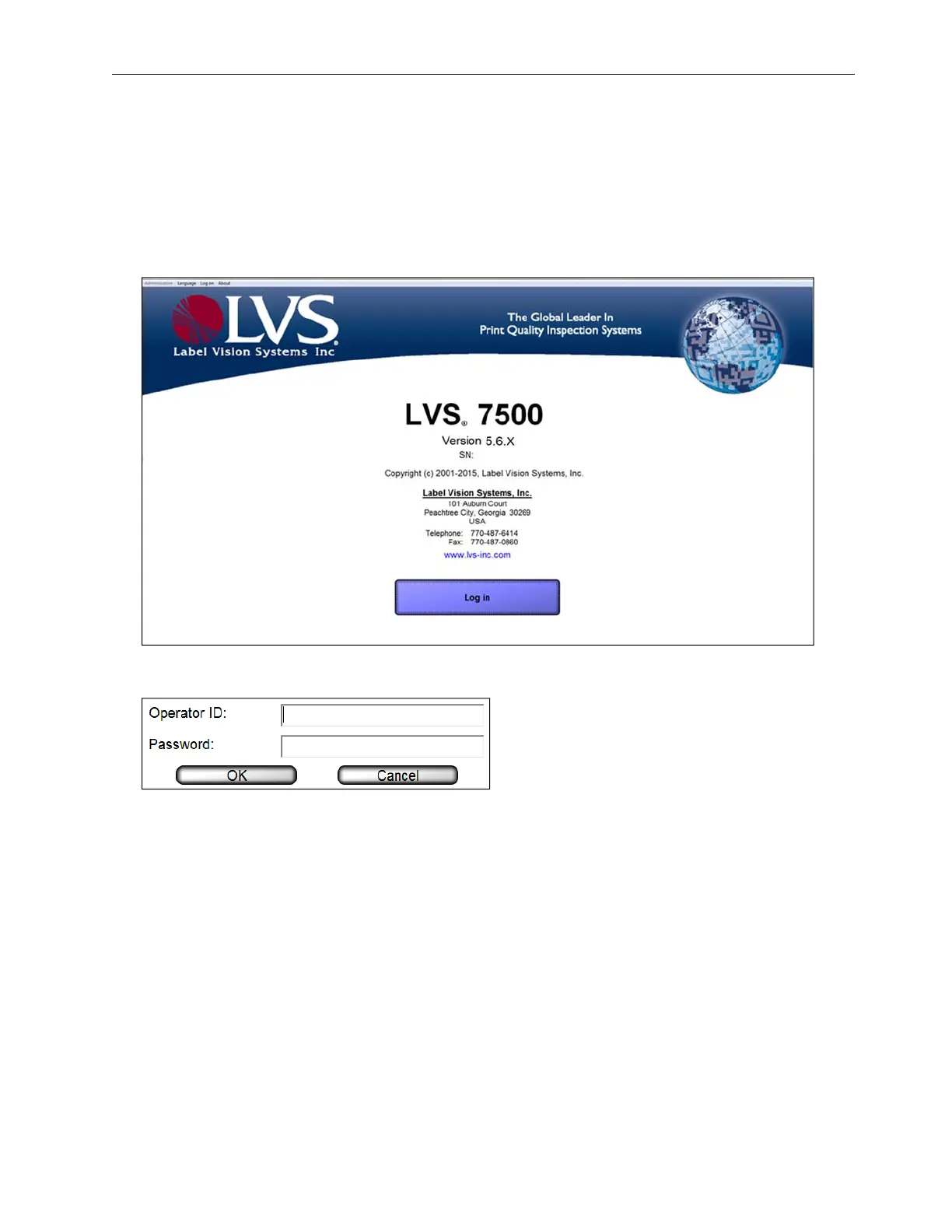
Follow the steps below to log in to the LVS-7500 External System.
1. Start the LVS-7500 External System software. The Welcome screen appears.
Users with the “Automatic Login” feature enabled bypass the screen below and automatically access the
screen where they are able to create a new job or load an existing job (as shown in step 3 below). Refer to
“Appendix F: Automatic Login” for more information on using the “Automatic Login” feature.
2. Click the Log In button. The Login box appears (see below). Enter the Operator ID and Password, and
click OK.
• When using the LVS-7500 External System for the first time, enter Admin in the Operator ID field and
Admin in the Password field.
• Each password must consist of the following:
o At least 8 characters
o At least 1 letter from A to Z
o At least 1 number from 0 to 9



 To Next Page