LVS-7500 External System Operations Manual
LVS-7500 External System Operations Manual Page 80 of 129
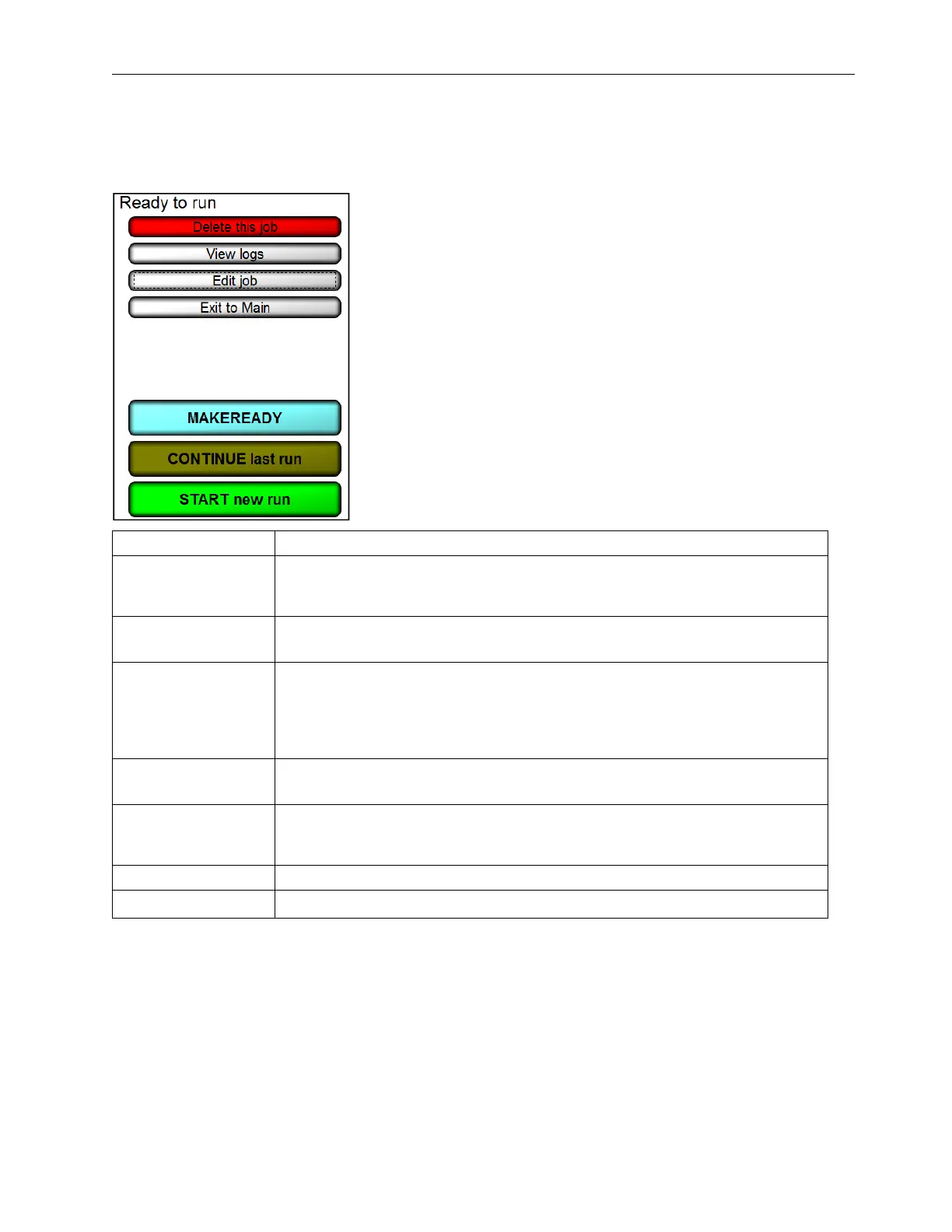
Operate Screen: Ready to Run
Each button on the Operate Screen (Ready to Run) is described in the table below.
Button Description
Delete This Job
Click to delete the job. Only operators who are granted the Allow Create
NEW Job permission is allowed to delete a job. Refer to the Permissions
section, within the Operators section, for more information on permissions.
View Logs
A Report Log is created for every job. Click this button to view all previous
Reports. (See the Reports chapter for more information on reports.)
Edit Job
Click to change the current job settings. If a password was used, you must
enter the correct password for the job. Only operators who are granted the
Allow Create NEW Job permission is allowed to edit a job. Refer to the
Permissions section, within the Operators section, for more information on
permissions.
Exit to Main
Click to change to a previously set up job; this will bring you back to the
Welcome Screen where you may select Load a Job.
Make Ready
Make Ready operates exactly as if the system were running normally with the
exception that no data is stored and no I/O is triggered. See the section below
titled “Make Ready Mode” for more information.
Continue Last Run Select this option if you desire to append to the most recent run’s CSV file.
Start New Run Click to begin a new run and new CSV file.



 To Next Page