LVS-7500 External System Operations Manual
LVS-7500 External System Operations Manual Page 79 of 129
Load an Existing Job
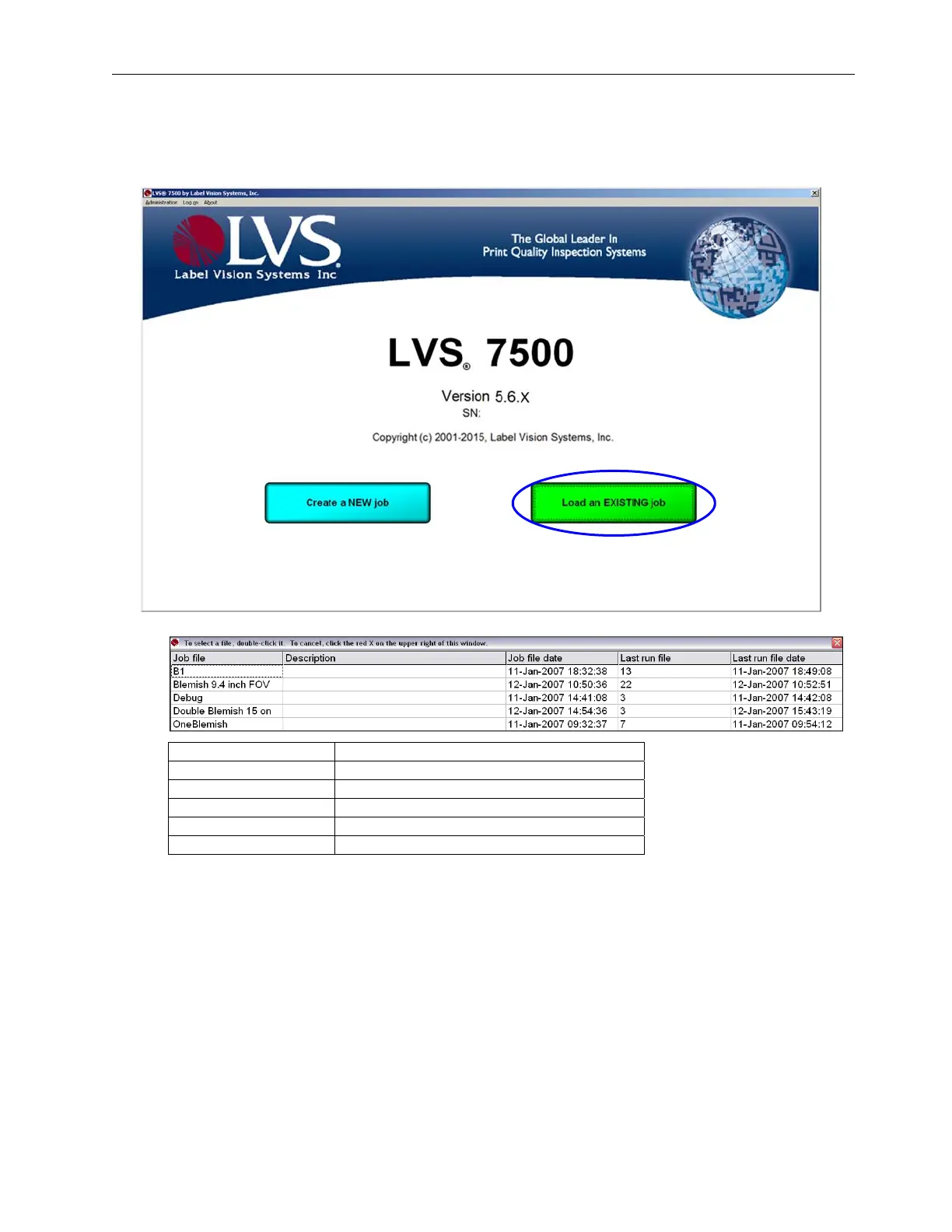
1. To load an existing job, click Load an Existing Job on the Welcome screen.
2. A list of existing jobs appears. Each column is described in the table below.
Column Description
Job file List of the job file names.
Description Description of each job file.
Job file date The date the job file was created.
Last run file Highest run number in the existing job.
Last run file date Last run file date for the job.
3. Choose the job you want by double-clicking the job name.
4. You can sort by any column by clicking on the column header.
5. The Ready to Run screen appears with the same job parameters that were originally set for that job.
6. See the next section entitled Operate Screen: Ready to Run for further steps.



 To Next Page