LVS-750
0 External System Operations Manual
LVS-7500 External System Operations Manual Page 16 of 129
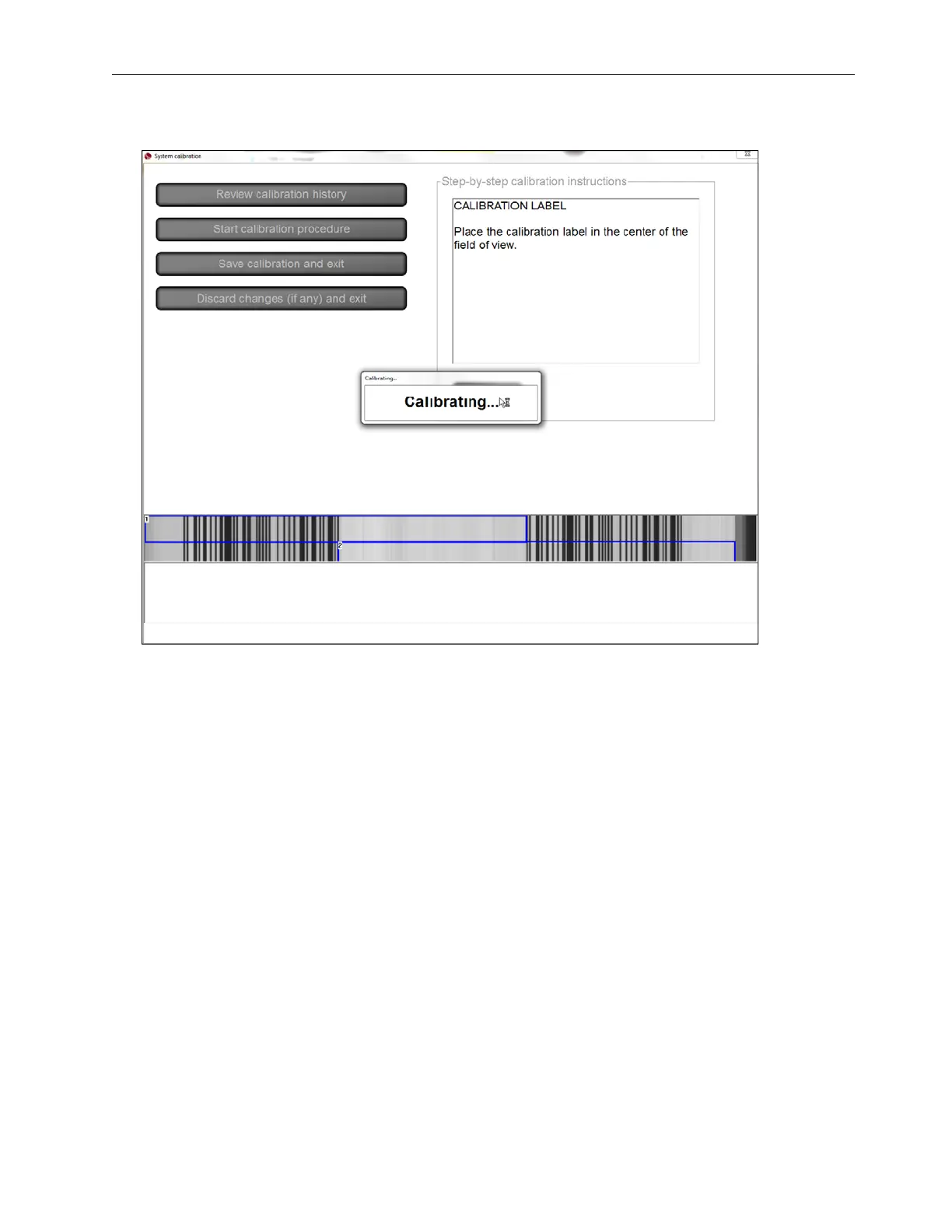
5. Click Continue to calibrate. The following page appears.
6. Calibration is complete. The ANSI values of the barcodes now match the recorded values on the card within
a few points (+/- 8%).
If calibration fails, repeat the calibration process. Be sure to inspect the calibration card carefully for
damages and impurities. If the problem still persists, contact Omron Microscan for technical assistance.
7. Click the Save calibration and exit button to save the calibration results and return to the Welcome screen.
After saving the calibration results, the system automatically saves the Operator ID in the calibration history
log (see the section entitled “Review Calibration History” for more information).
Click the Discard changes (if any) and exit to discard the calibration results and return to the Welcome
screen.



 To Next Page