LVS-7500 External System Operations Manual
LVS-7500 External System Operations Manual Page 89 of 129
Additional error display options include:
Button Description
Accept This Error
Click this button to approve the error; the error is marked as OK in the error log file
and removed from the errors list. The button is active when the job is in run mode.
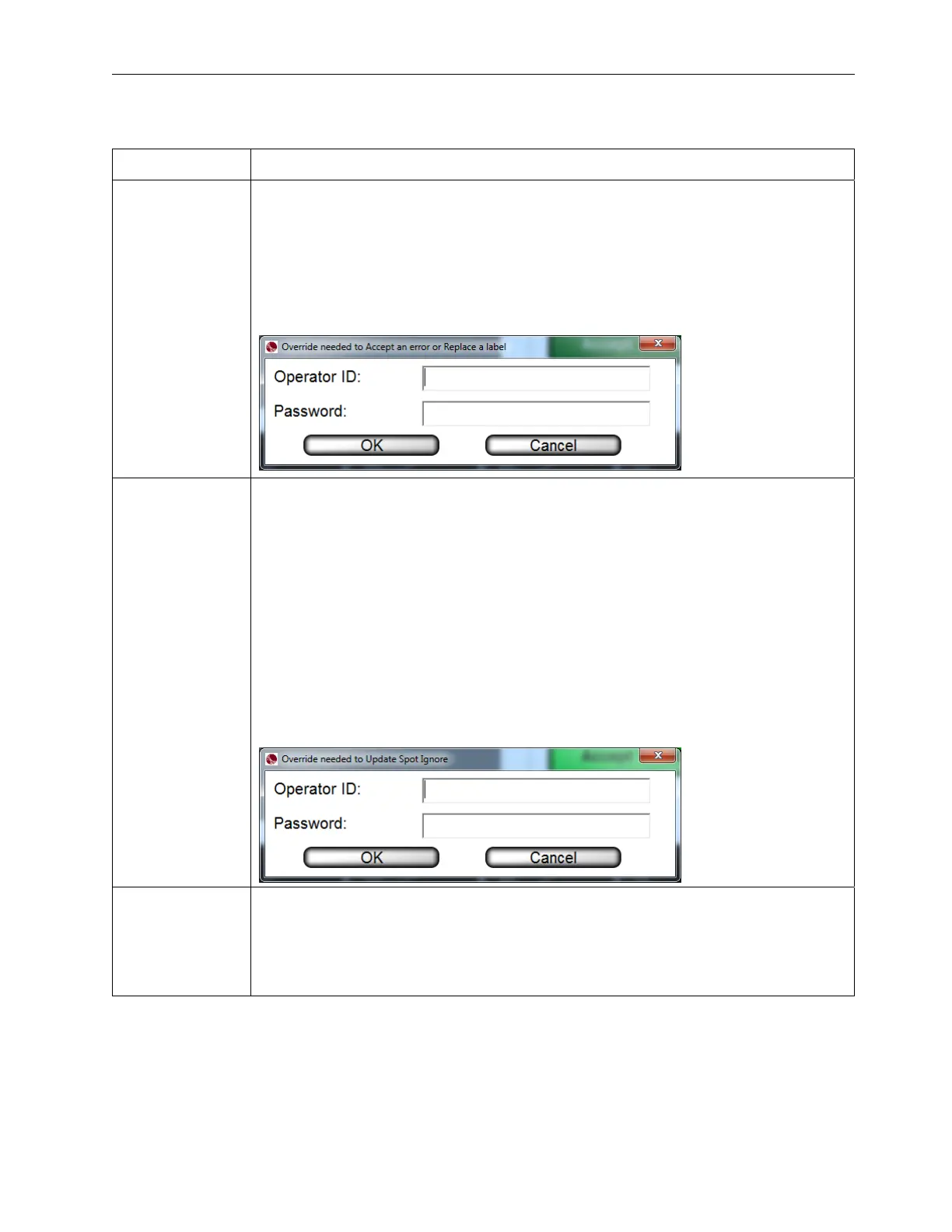
Only operators granted the Allow Accept / Replace Errors permission are allowed
to accept the error. The following message appears for operators without permission
to accept the error (see screenshot below). An authorized Operator ID and Password
must be entered or the operator will not be allowed to approve the error. See the
Permissions section, within the Operators section, for more information on
permissions.
Update Spot
Ignore
Draws an ignore box around the error so that it will not appear again and every
instance of the error will be removed from the errors list. The log file will also show an
OK for every instance of this error.
The ignore area is yellow if you edit the blemish sector.
In the LVS7500.ini file, when RelearnAuthorization=0, any operator granted the
“Allow Accept/Replace Errors” permission can use this feature.
When RelearnAuthorization=1, the operator must have “Allow Administration” rights
to use this feature.
The following message appears for operators without permission to use the “Update
Spot Ignore” feature (see screenshot below). An administrator’s Operator ID and
Password must be entered or the operator will not be allowed to ignore the areas.
See the Permissions section, within the Operators section, for more information on
permissions.
Reset
Places previously accepted and replaced errors back into the errors list and restores
their original error codes in the log file. This feature also removes all spot ignore
updates. The button is active when the job is in run mode.
After clicking the “Reset” button, the following message appears. Click Yes to reset
or No to cancel.



 To Next Page