3 Check and start operation
3-1 The name and function for the operation and display
BN50T/BN75T/BN100T/BN150T/BN220T/BN300T
3-2
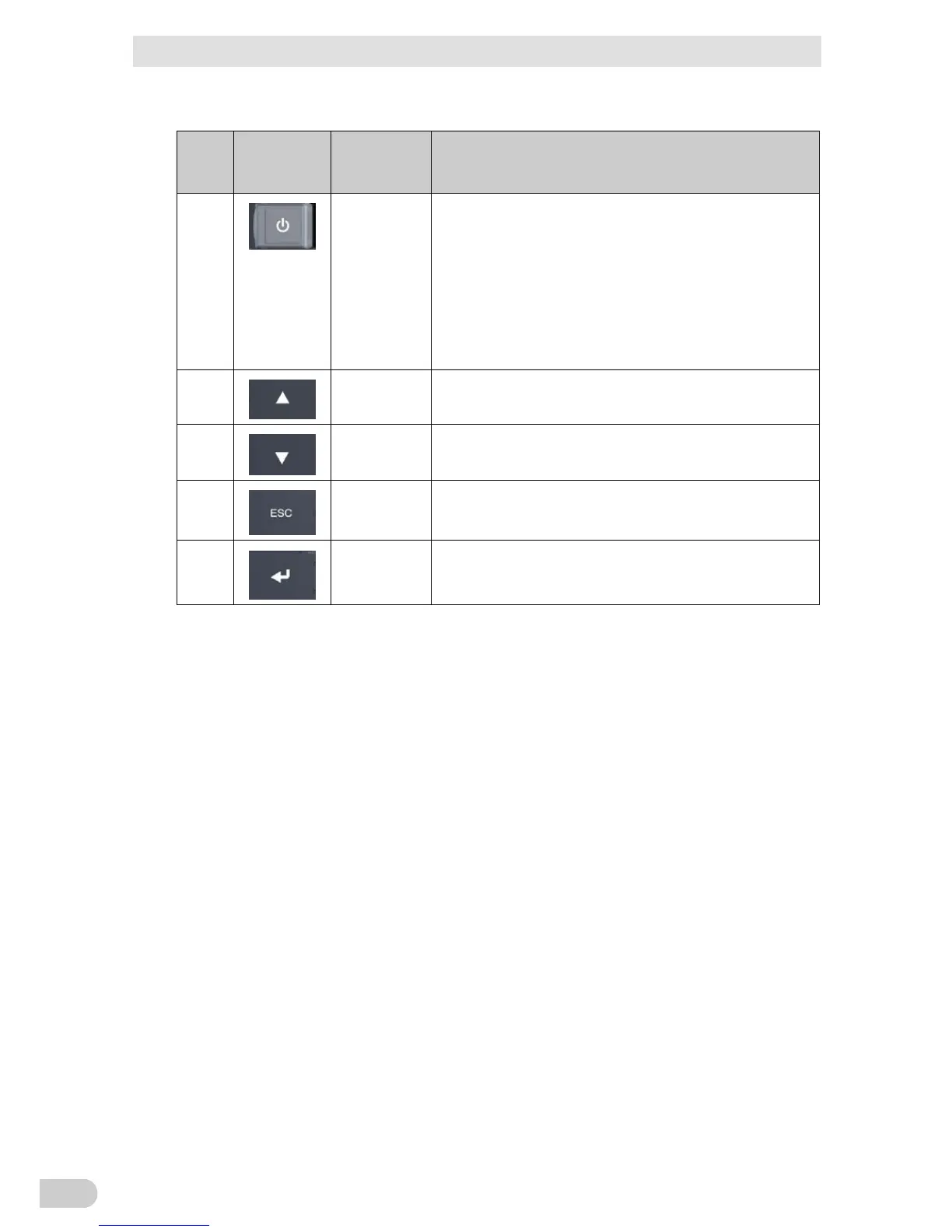
3-1-3 Switch
Sign
of the
figure
Label Name Description
E
Power switch ON: Press and hold the power switch of the UPS for 2 seconds or
longer. After a few seconds, the power output from the UPS
begins.
OFF: Press and hold the power switch of the UPS for 2 seconds or
longer in ON state, then the power output from the UPS stops.
Additional Information:
If the AC input plug is connected to the wall outlet (commercial power
source), then the battery will be charged regardless of the power
switch.
F
“Up” switch Move cursor up or increase a value
G
“Down” switch Move cursor down or decrease a value
H
“ESC” switch Return to menu or cancel
Stop the beeper by pressing for 0.5 seconds or longer
I
“Enter” switch Select the menu item or set the value



 To Next Page