18
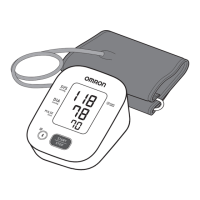
1. Plug the arm cuff into your monitor by
inserting the air plug into the air jack
securely until it clicks.
2. Place your hand through the cuff loop. Pull the cuff
until it reaches your upper left arm.
• The bottom edge of the arm cuff
should be 0.5 inch (1 to 2 cm)
above the inside elbow. The air
tube is on the inside of your
arm and aligned with your
middle finger.
3. Make sure that the air tube is positioned on the
inside of your arm and wrap the cuff securely,
so it can not move around your arm.
Bottom edge
0.5 inch (1 to 2 cm)
Bottom edge


 To Next Page