Connecting Online from the CX-Programmer
38
█ Changing the Allocated Communications Port
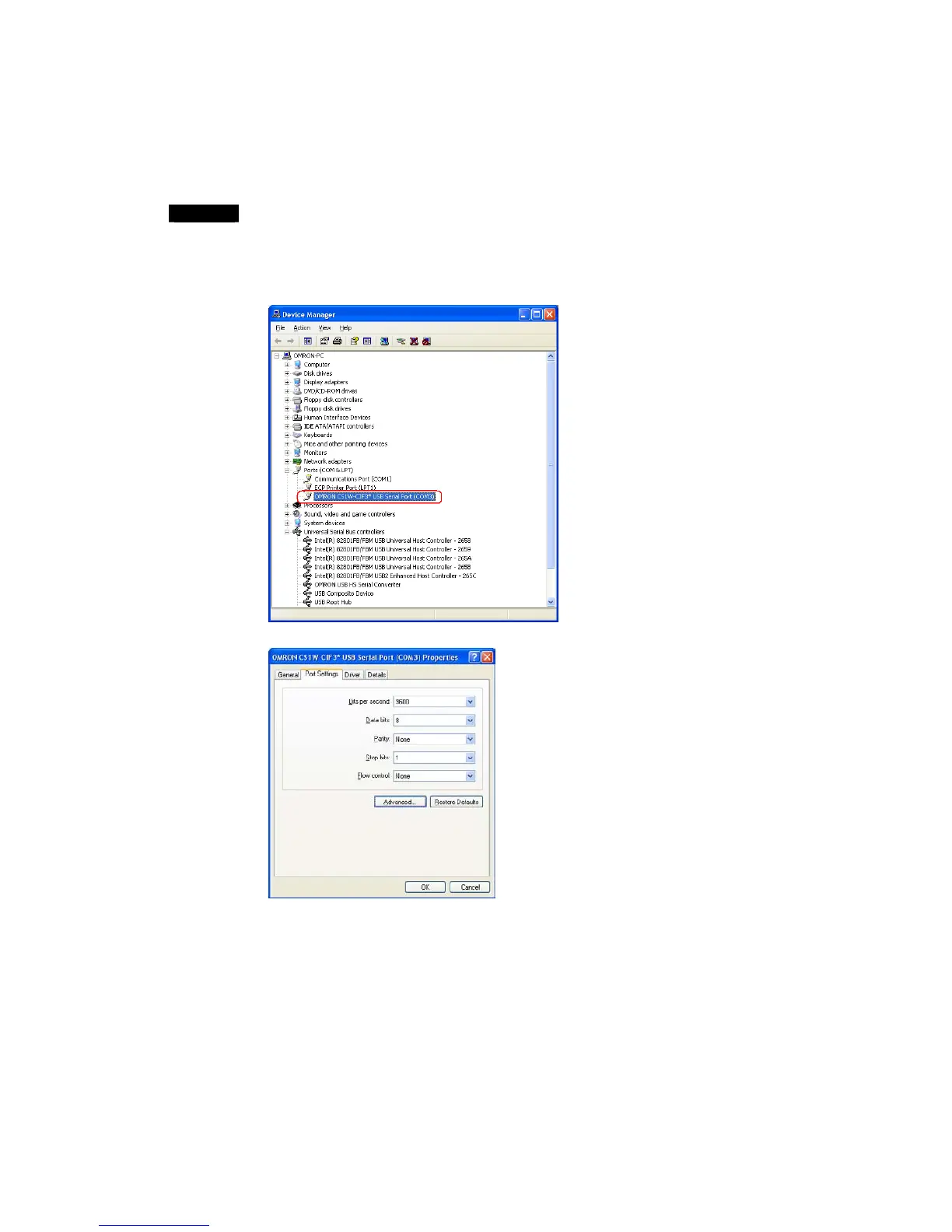
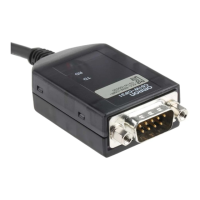
The communications port (COM port) being used by the Conversion Cable can be
changed with the following procedure. The actual change procedure depends on the
operating system. This example shows the procedure for Windows XP.
Note
If the new COM port is being used by another driver, that driver must be uninstalled.
1. Double-click OMRON CS1W-CIF3* USB Serial Port (COM
@
) in the Device Manager
window.
2. Click the Port Settings tab.







 To Next Page