Appendix
22
Care and Maintenance
Measuring Methods and Measuring Results
Before Measuring (various settings)
Foreword Care and Maintenance
Before Measuring (various settings)
Foreword
Measuring Methods and Measuring Results
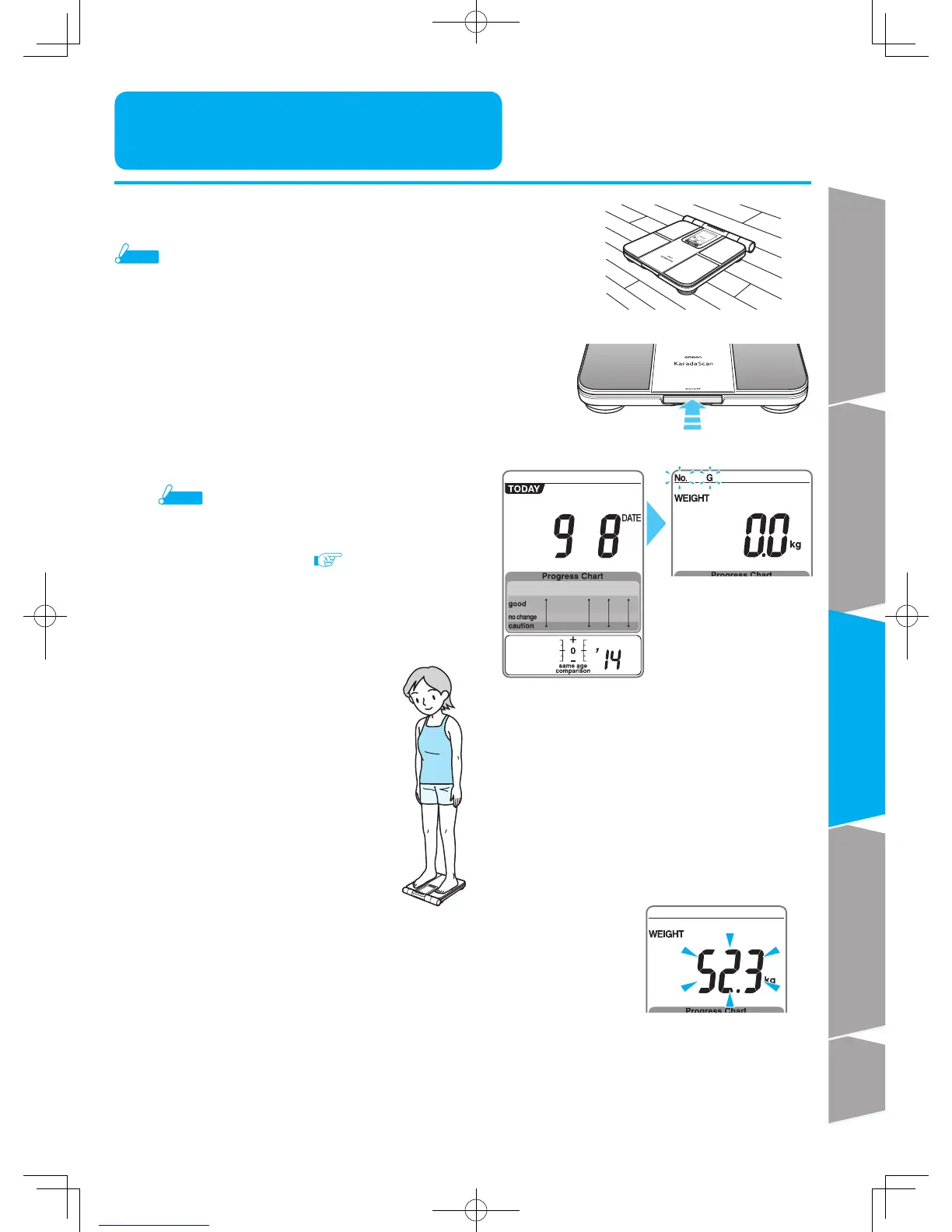
Step onto the unit
Check the measurement results
Indicator flashes twice to show that weight has been determined.
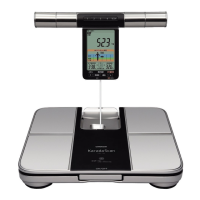
You can also take out the display unit to check measurement results.
Press power switch to turn off the power.
Measuring Weight only
Take a measurement directly without
taking the display unit from the holder.
It is unnecessary to set personal profile number.
2
3
4
■ Take a measurement on flat and hard ground
Note
You cannot get correct measurement results on mat, carpet or
other soft ground.
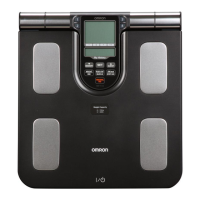
With the display unit inside the main unit,
Turn on the power
After the display of current date,it will
display "0.0kg","No."and"G"will flash.
Note
After power on, if you step on the main unit,
move the main unit , put something on the main unit
or take out the display unit before "0.0 kg" appears,
"Err" (error) will appear. (
Page 25)
Even if "Err" (error) is not displayed,the weight may
not be correctly measured.
1










 To Next Page