Appendix
8
Care and Maintenance
Measuring Methods and Measuring Results
Foreword
Before Measuring (various settings)
Foreword
Automatic Switch-off of the Power / Arranging the Display Unit
Automatic Switch-off of the Power
•
If the monitor is not used within one minute of "0.0 kg" appearing on the display.
•
If no information is entered for 3 minutes when entering personal data.
•
If the monitor is not used for 3 minutes after the measurement results are displayed.
•
Personal profile number is not selected when measuring weight only. (about 30 seconds after body weight
is displayed)
•
When "Err" is displayed (about 10 seconds later)
Notes on Automatic Switch-off of the Power
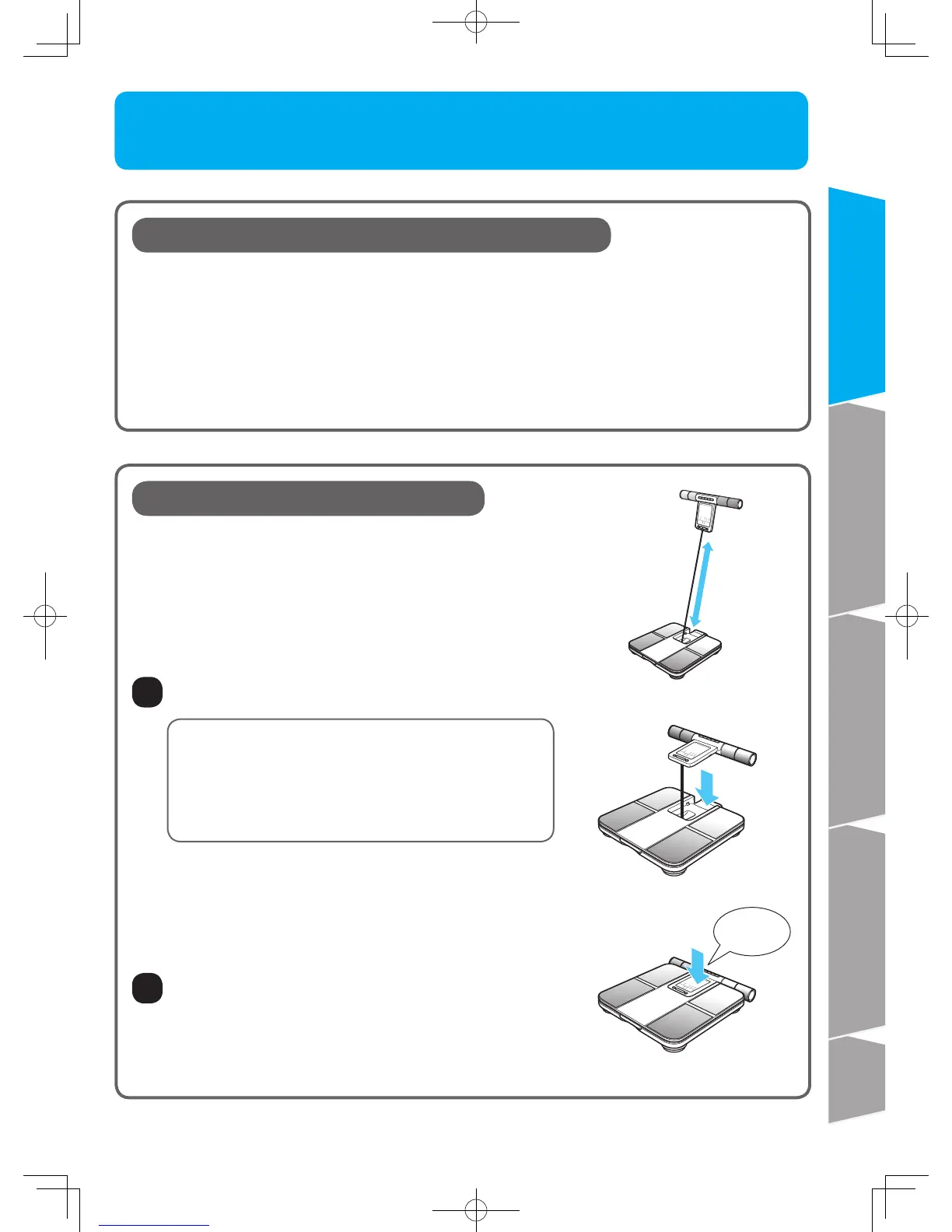
Arranging the Display Unit
1
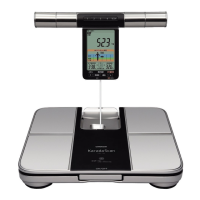
Pick up the display unit and rewind the cord into the unit.
Push the display unit into the holder.
Click
■ The cord can rewind automatically.
Pull the display unit upwards to extend the cord
attaching the display to the main unit. The cord is
automatically rewound when you store the display in
the main unit.
■ If the cord does not rewind automatically...
Untwist the cord, extend it once and try again.
Do not extend the cord from the unit beyond the
red marker line. Otherwise, it may cause fault.
2










 To Next Page