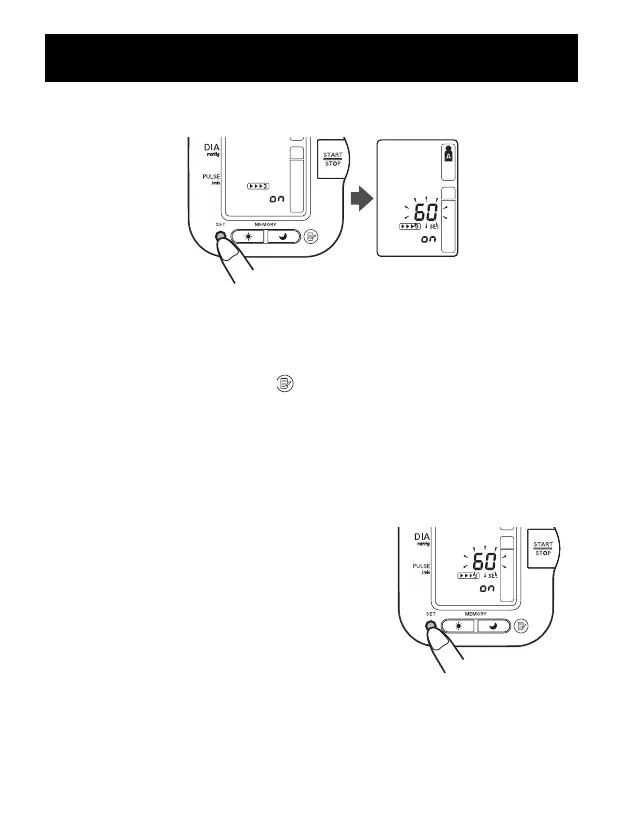
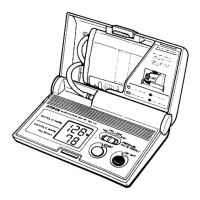
4. Press the SET button to confirm the change.
The number of seconds between each measurement is displayed.
NOTE: The default value between each measurement is 60 seconds.
5. Press the MEMORY button ( ) to change the interval of time
between each measurement.
The interval can be set to 15 seconds, 30 seconds, 60 seconds or 120
seconds. Continue to press the MEMORY button until the desired
interval appears on the display.
6. Press the SET button to confirm the setting.
The year flashes on the display.
TAKING A MEASUREMENT
30


 To Next Page