For help using the software, double-click
[Omron Health Management Software Users
Manual.pdf] shortcut on desktop, or click [Help]
in this software after starting up.
1. Double-click the [Omron Health Management Software]
shortcut icon on the desktop.
If no icon appears on the desktop: From the [Start]
menu, select [All programs] or [Programs] [Omron
Health Management Software], and click the [Omron
Health Management Software] shortcut.
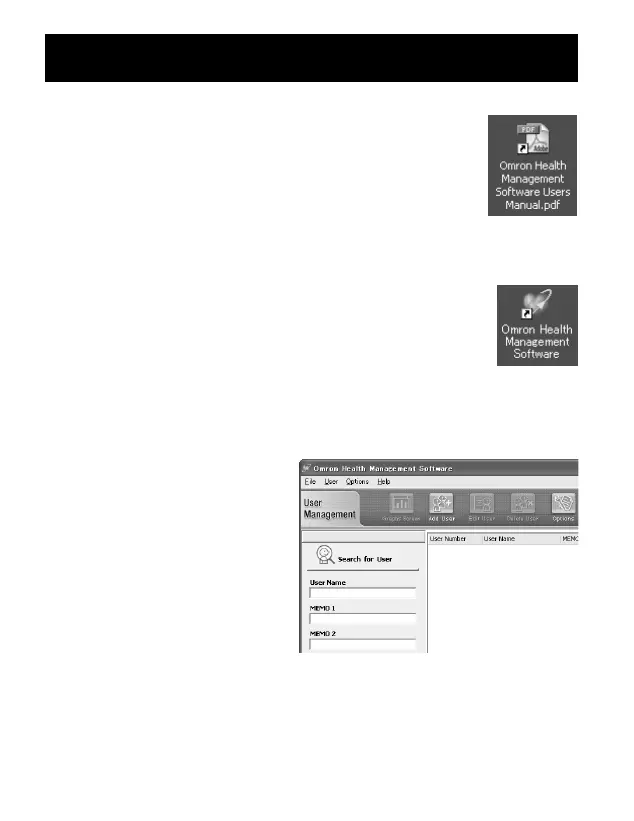
2. If you are using Omron Health
Management Software for the
first time, click [Add User] on
the User Management screen.
USING THE SOFTWARE
53


 To Next Page