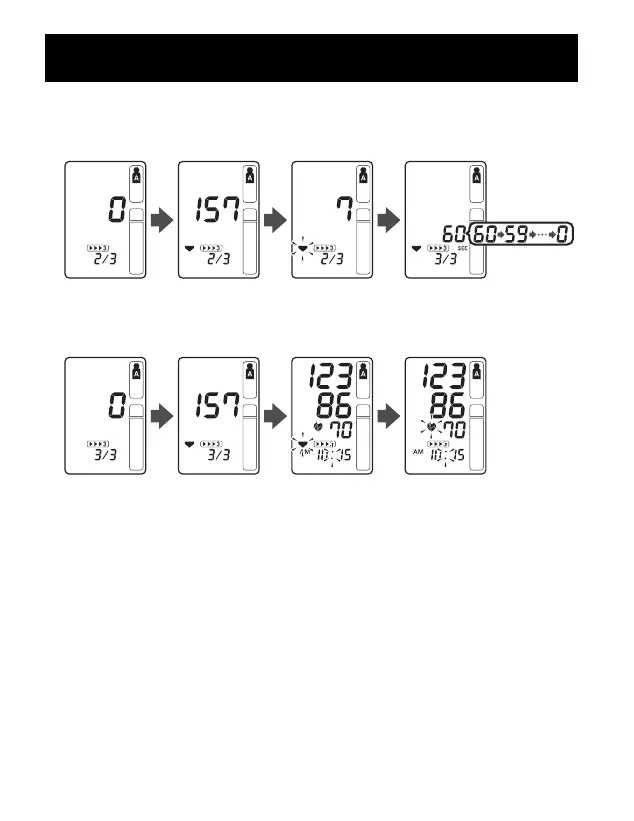
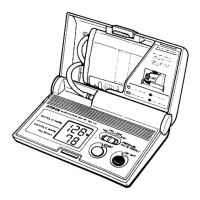
The second measurement is complete, waiting to start the
next measurement.
The consecutive measurements are complete. The average for three
measurements appears on the display.
5. Press the SET button to display the blood pressure and pulse rate for
the first measurement. Press the SET button again to display the next
measurement.
6. Press the START/STOP button to turn the monitor off.
TAKING A MEASUREMENT
35


 To Next Page