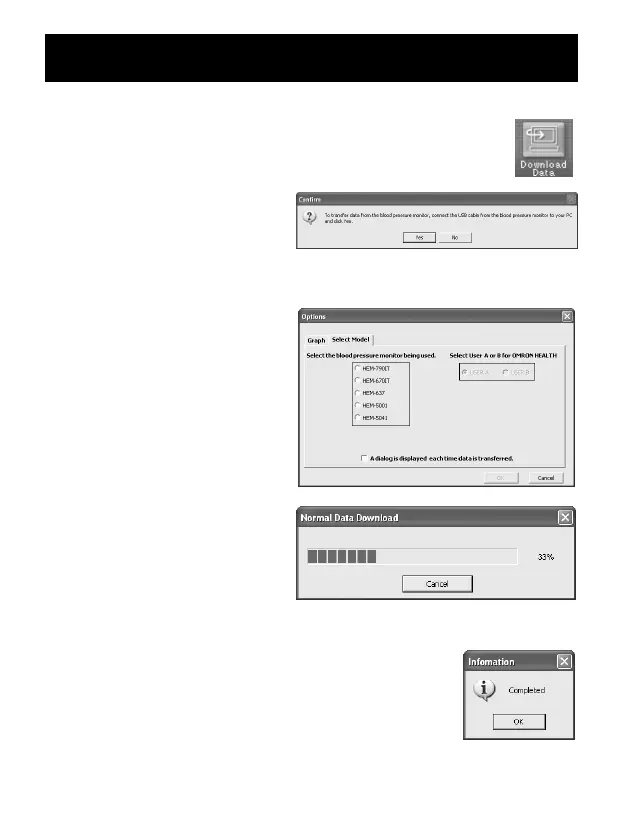
4. Click [Download Data] icon to import the data.
5. The Confirm dialog
appears. Make sure your
cable is connected then
click [Yes].
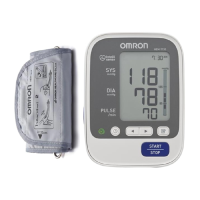
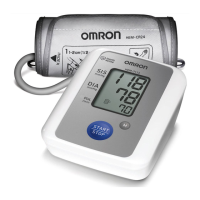
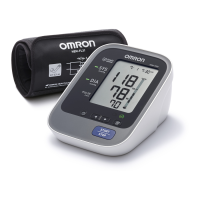
6. Select the blood pressure
monitor being used and
click [OK].
7. Start importing data.
Click [Cancel] if you want
to cancel.
8. The dialog appears when complete. Click [OK]
and view your data on the graph.
TRANSFERRING DATA TO A PERSONAL COMPUTER
56


 To Next Page