14
1. Press the MEMO/▲ Button
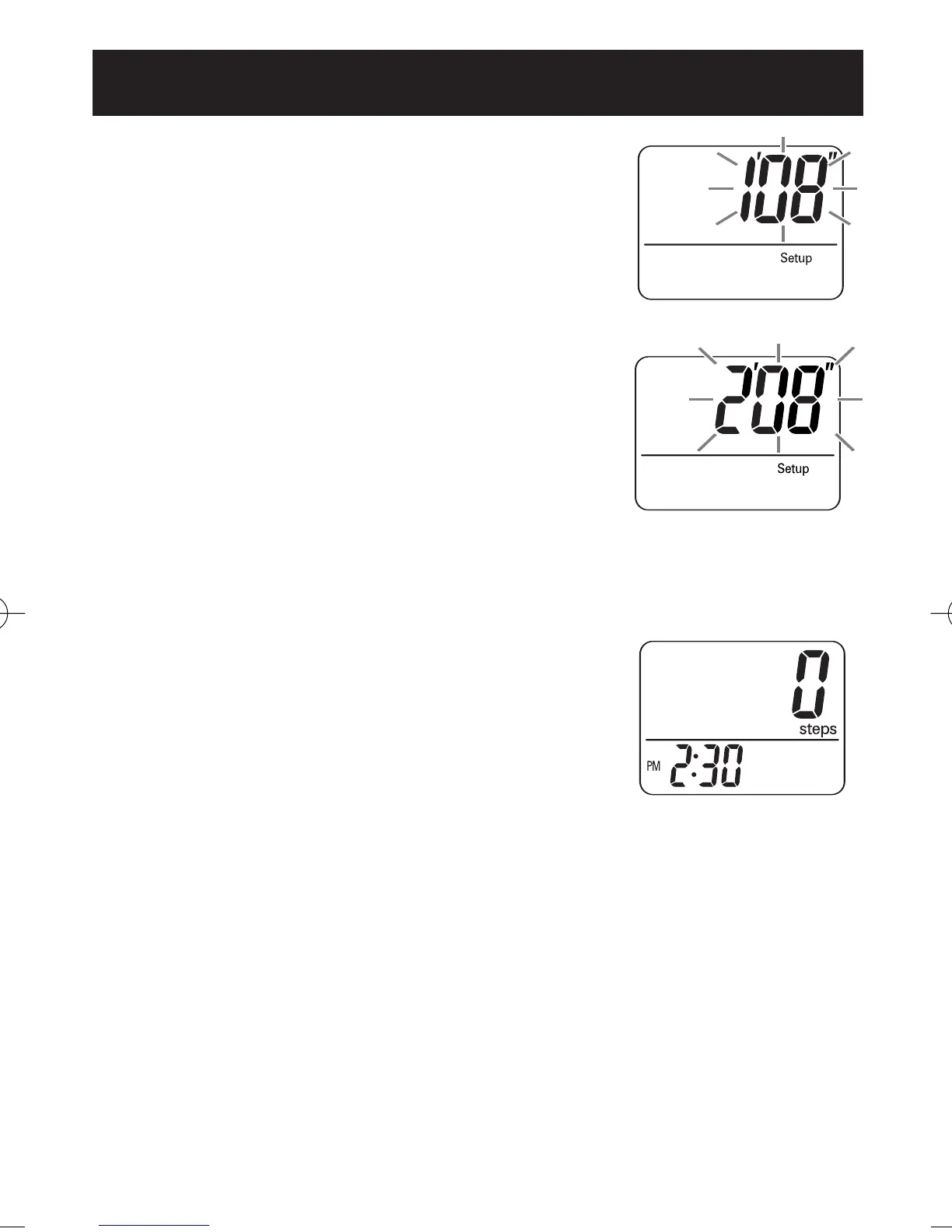
to advance by increments of 1'' inch.
Press and hold the button to advance the
stride in 4'' inches increments.
NOTE:
Press the MODE/EVENT Button to
return the stride length to 1'08''.
2. Press the SET Button to the stride
length.
The number of steps and time will display.
All the settings are completed.
To change the time, weight, or stride length after the setting is
completed:
1. Press and hold the SET Button for 2 seconds.
2. Change the setting.
NOTE:
If setting does not need to be changed, press the set button to advance
to the next setting.
SETTING THE STRIDE LENGTH
Setting range: 1'00'' to 4'00'' feet
The stride length flashes on the display.
HJ-720IT-IM.qxd 10/28/05 10:58 AM Page 14



 To Next Page