19
USING THE MEMORY FUNCTION
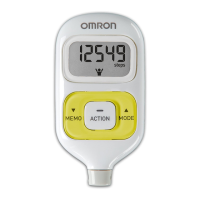
Full Memory Indicator
NOTES:
• Full memory indicator starts display when there are 35 days
including current day of stored data which has not been
downloaded.
• Follow the direction by instructor or service provider to download
the data. (Refer to “Downloading Data to a PC” on page 21)
HJ-720IT-IM.qxd 10/28/05 10:58 AM Page 19



 To Next Page