EasyManua.ls Logo

Omron SJDE-APA-OY - User Manual

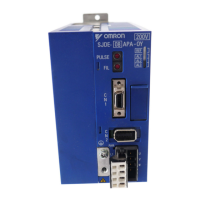
Omron SJDE-APA-OY
63 pages
Print Icon
To Next Page IconTo Next Page
Loading...
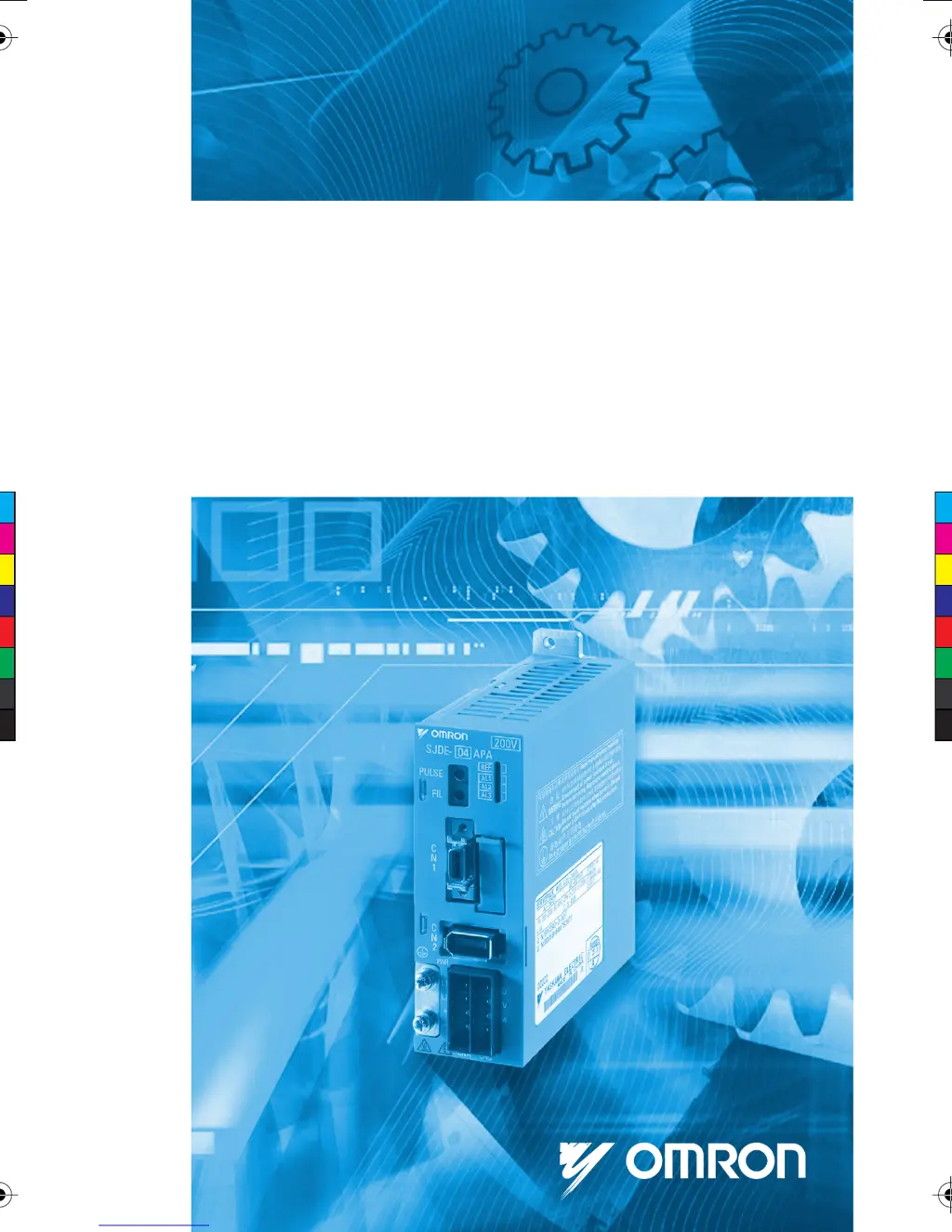
JUNMA SERIES SERVO DRIVE
Manual No.
TOEP-C71080601-01-OY
Model: SJDE-##APA-OY
USER’S MANUAL
C
M
Y
CM
MY
CY
CMY
K
TOEP_C710806_01_01_Cover_OYMC.aiPage 1 02.07.2007 17:03:25TOEP_C710806_01_01_Cover_OYMC.aiPage 1 02.07.2007 17:03:25

Table of Contents

Questions and Answers

  • D
    Donald GreenAug 12, 2025
    What to do if overcurrent occurs in Omron DC Drives?
    • D
      Donna PorterAug 12, 2025
      If an overcurrent error occurs in your Omron DC Drives, it could be due to several reasons. The phases U, V, and W in the servomotor might be incorrectly wired, so check and correct the servomotor wiring. There might be a short circuit between ground and U, V, or W of the servomotor main circuit cable; in this case, correct the servomotor circuits or cable, and replace the servomotor, ensuring the circuit is correctly grounded without a short circuit before turning on the power. The load might be excessive or beyond the capacity of regeneration processing, so reconsider and correct the load and operating conditions. Finally, a SERVOPACK fault could have occurred, requiring you to replace the SERVOPACK.
  • B
    Brian JonesAug 16, 2025
    Why does speed error occur in Omron SJDE-APA-OY DC Drives?
    • J
      jonesdanielAug 16, 2025
      A speed error in Omron DC Drives can stem from various causes. First, a SERVOPACK fault might have occurred, necessitating its replacement. Second, the phases U, V, and W in the servomotor could be wired to the wrong terminals, requiring you to correct the servomotor wiring. Third, noise interference in the encoder wiring might be causing a malfunction, so take measures against noise for the encoder wiring. Lastly, the position pulse reference input might have exceeded 10,000 pulses per revolution, in which case you should input the correct reference value.
  • D
    Donna Miller DVMAug 20, 2025
    What to do if Omron SJDE-APA-OY DC Drives show an overload?
    • J
      joelfryAug 20, 2025
      If your Omron DC Drives are showing an overload error, here are a few things to check: * A SERVOPACK fault could have occurred, so replace the SERVOPACK. * The servomotor main circuit cable wiring might be incorrect or a contact in servomotor wiring is faulty, so check and correct the servomotor wiring. * The starting torque might exceed the maximum torque, so reconsider and correct the load, operating conditions, and servomotor capacity. * The servomotor did not operate for a reference input from the controller, so check and correct the servomotor wiring.
  • C
    Carmen BennettAug 23, 2025
    How to fix encoder error on Omron SJDE-APA-OY DC Drives?
    • V
      Veronica BrownAug 25, 2025
      An encoder error with Omron DC Drives can be caused by several factors. Start by checking if the encoder wiring and the contact are incorrect, and correct the encoder wiring if needed. Noise interference due to incorrect encoder cable specifications can also be a culprit, so use twisted-pair or shielded twisted-pair cables with a core of at least 0.12 mm2. If the wiring distance for the encoder cable is too long (it must be 20 m maximum), it may cause noise interference. A disconnected encoder cable should be replaced. Lastly, an zero point error could have occurred, requiring you to replace the servomotor.
  • J
    Jesse WilsonAug 27, 2025
    What causes voltage error in Omron DC Drives?
    • C
      Charles LeeAug 27, 2025
      A voltage error in Omron DC Drives can occur for a few reasons. The AC power supply voltage might have exceeded the permissible range; ensure it is within the specified range. Another reason is that the power supply was turned ON again before the power supply to the SERVOPACK was completely OFF; wait until the REF indicator is OFF before turning it ON again. Finally, a SERVOPACK fault could have occurred, so replace the SERVOPACK.
  • B
    brownkeithAug 31, 2025
    How to troubleshoot abnormal noise or vibration in Omron SJDE-APA-OY DC Drives?
    • J
      Justin JacobsAug 31, 2025
      If you notice abnormal noise from the servomotor or the machine vibrates with your Omron DC Drives, check the following: Ensure the mounting is secured by tightening the mounting screws. If there are defective bearings, contact your OYMC representative. Also, noise interference due to incorrect input signal cable specifications can cause this issue, so use the specified input signal cables.
  • H
    Heather MartinSep 3, 2025
    What to do if the SERVOPACK fan stops in Omron SJDE-APA-OY DC Drives?
    • W
      william80Sep 3, 2025
      If the built-in fan in your Omron DC Drives SERVOPACK has stopped, this could be due to a couple of reasons. The cooling fan itself might have stopped, in which case you should refer to Section 6 and replace the cooling fan. Alternatively, the air inlet of the cooling fan might be blocked with dirt or other foreign matter, so inspect the cooling fan.
  • M
    Maria LopezSep 8, 2025
    Why won't the servomotor stop when servo is turned off in Omron SJDE-APA-OY DC Drives?
    • C
      connie38Sep 8, 2025
      If the servomotor in your Omron DC Drives does not stop smoothly or at all when the servo is turned OFF, it may be overloaded. Reconsider the load conditions and replace the SERVOPACK.

Summary

Safety Information

Safety Precaution Symbols

Defines symbols for safety warnings, cautions, prohibitions, and mandatory actions.

Safe Operation Guidelines

General Operation Warnings

Highlights critical safety warnings during SERVOPACK operation.

Delivery and Storage Precautions

Delivery and Storage Warnings

Specific warnings for product delivery, checking, storage, and transportation.

Installation Procedures

Installation Warnings

Critical safety warnings and precautions related to SERVOPACK installation.

Wiring Procedures

Wiring Warnings

Critical safety warnings and precautions for wiring the SERVOPACK and related components.

Power Supply and Grounding Precautions

Guidelines for safe power supply connection and grounding of the SERVOPACK.

Cable Handling Precautions

Instructions for proper handling and use of cables to prevent damage or malfunction.

Additional Wiring Safety

Further safety measures for wiring, including emergency stop and interlock systems.

Noise Prevention Wiring

Methods and considerations for wiring to prevent noise interference.

Installation Requirements

Installation Conditions and Environment

Specifies environmental and installation conditions for proper SERVOPACK operation.

Installation Methods

Mounting and Orientation

Instructions for mounting the SERVOPACK and its orientation for cooling.

Wiring Guidelines

Main Wiring Precautions

General safety precautions for all wiring tasks involving the SERVOPACK.

Power Supply Line Protection

Methods to protect the power supply line from high voltage using circuit breakers and fuses.

Grounding Procedures

Detailed procedures and recommendations for proper grounding of the SERVOPACK.

Cable Management and Handling

Best practices for selecting, bending, and handling cables to ensure reliable connections.

Main Circuit Wiring Details

Power and Regenerative Unit Connector Wiring (CNA)

Servomotor Main Circuit Connector Wiring (CNB)

Encoder Connector Wiring (CN2)

I;O Connector Wiring Details

Emergency Stop (EMG) Sequence

Trial Operation Guide

Troubleshooting: Alarm Indicators

Troubleshooting: No Alarm Indicators

Technical Specifications

SERVOPACK Model Specifications

Detailed table of specifications including output, voltage, frequency, and I/O signals.

Overload Protection Characteristics

Omron SJDE-APA-OY Specifications

General IconGeneral
BrandOmron
ModelSJDE-APA-OY
CategoryDC Drives
LanguageEnglish

Related product manuals