EasyManua.ls Logo

Omron SJDE-ANA-OY - User Manual

Omron SJDE-ANA-OY
170 pages
Print Icon
To Next Page IconTo Next Page
Loading...
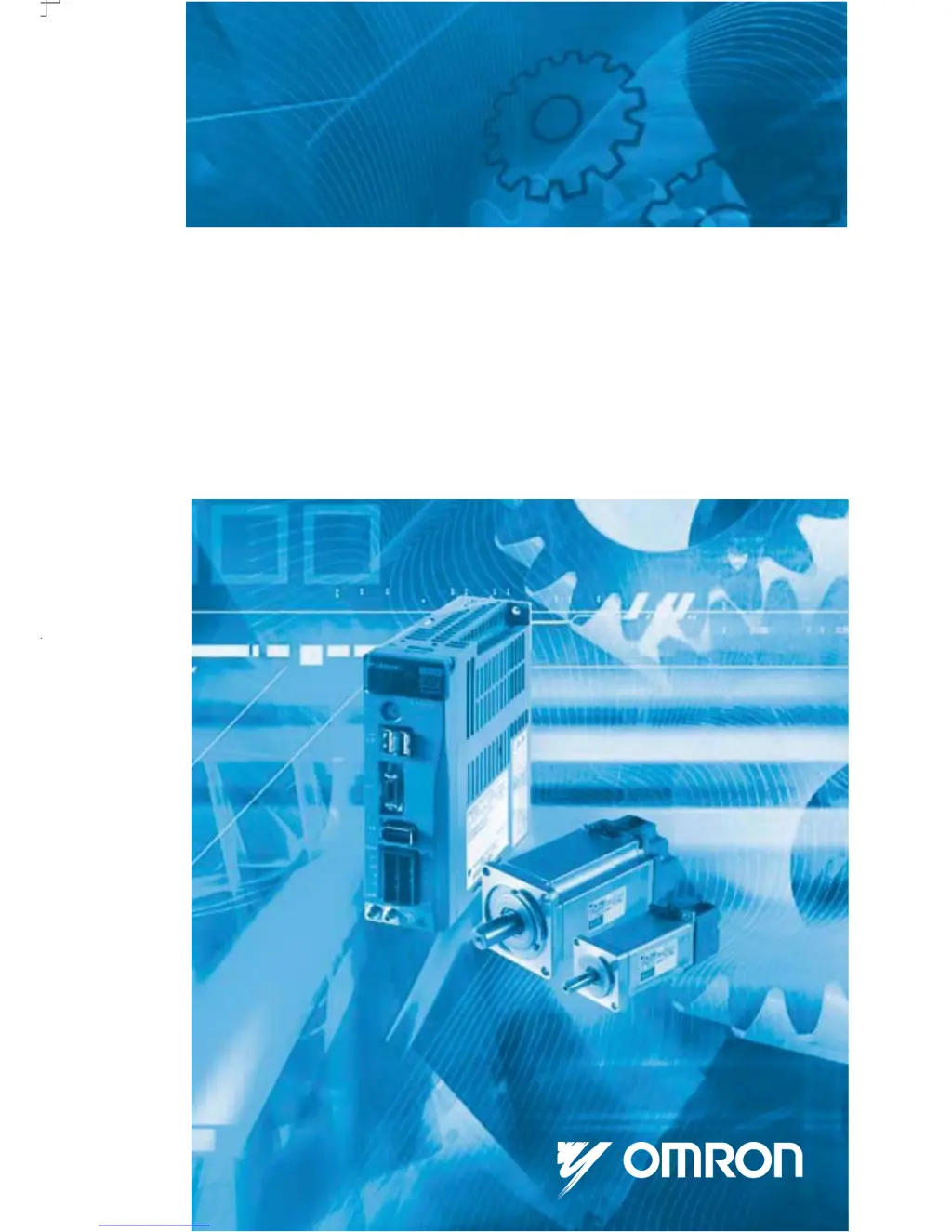
OMRON YASKAWA Motion Control B.V.
JUNMA SERIES SERVO DRIVE
Mechatrolink-II communications type
Manual No.
TOEP-C71080603-01-OY
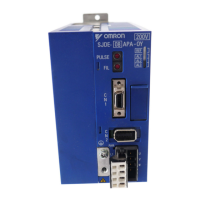
Model: SJDE- ANA-OY
USER´ S MANUAL

Table of Contents

Questions and Answers

  • A
    Amy RobinsonSep 23, 2025
    What does MECHATROLINK-II Transmission Cycle Setting Error mean on Omron SJDE-ANA-OY DC Drives?
    • P
      Paul BrownSep 23, 2025
      If your Omron DC Drives displays a MECHATROLINK-II Transmission Cycle Setting Error, it indicates that the setting of the MECHATROLINK-II transmission cycle is out of the specifications range. To resolve this, set the MECHATROLINK-II transmission cycle to a proper value in the host controller.
  • A
    Ashley PruittAug 25, 2025
    Why is my Omron SJDE-ANA-OY DC Drives showing overspeed?
    • T
      Taylor ParkerAug 25, 2025
      An overspeed error on your Omron DC Drives can occur due to several reasons. First, check if the order of phases U, V, and W of the servomotor wiring is correct. Also, verify the encoder wiring. Noise interference in the encoder line can also cause this issue, so take appropriate measures against noise. If the input position reference is too large, reduce the reference value. If none of these steps resolve the issue, the SERVOPACK may be faulty.
  • B
    blevyAug 25, 2025
    How to fix overvoltage in Omron SJDE-ANA-OY?
    • A
      aimee14Aug 26, 2025
      To address an overvoltage issue in your Omron DC Drives, ensure that the AC power supply voltage is within the specified range and not exceeding 290 V. Also, check for excessive changes in AC power supply voltage during operation and maintain it within the specified limits. If the servomotor speed is high and the load moment of inertia is excessively large, reconsider the load and operation conditions or install a regenerative unit. If the issue persists, the SERVOPACK might be faulty.
  • J
    Jose RobinsonAug 27, 2025
    What to do if emergency stop signal is not working on Omron SJDE-ANA-OY?
    • T
      Todd MeyerAug 27, 2025
      If the emergency stop signal is not working on your Omron DC Drives, ensure that the emergency stop signal is correctly wired. If the emergency stop signal was input, refer to section 4.7.5 in the manual for the correct operation sequence. Also, check the wiring for any malfunctions on the emergency stop signal, and correct it if necessary.
  • D
    Diana StephensAug 27, 2025
    Why Omron SJDE-ANA-OY indicates high load overload?
    • L
      Lindsey MartinAug 27, 2025
      An overload error with a high load indication on your Omron DC Drives typically means that the effective torque exceeds the rated torque, or the starting torque largely exceeds the rated torque. To resolve this, reconsider the load and operation conditions. If the problem persists, the SERVOPACK may be faulty.
  • M
    Mark MitchellSep 13, 2025
    What to do if MECHATROLINK-II synchronization failed on Omron SJDE-ANA-OY?
    • D
      daniel52Sep 14, 2025
      If MECHATROLINK-II synchronization failed on your Omron DC Drives, it means that the WDT data of the host controller for MECHATROLINK-II communications is not updated correctly. To fix this, update the WDT data in the host controller correctly.
  • D
    Diana LeeSep 12, 2025
    What to do if Omron SJDE-ANA-OY DC Drives displays Parameter Error 0?
    • D
      Diana KirkSep 12, 2025
      If your Omron DC Drives shows a Parameter Error 0, it could be due to a few reasons. If the power supply was turned OFF while changing the parameter, execute the initialize parameter function of CX-Drive, and then set the parameter again. If the number of times that the parameters were written exceeded the upper limit, replace the SERVOPACK and contact your Omron Yaskawa representative, and correct the parameter writing method. If none of these are the cause, the SERVOPACK is faulty.
  • P
    pvazquezSep 12, 2025
    What causes MECHATROLINK-II synchronization error on Omron SJDE-ANA-OY?
    • A
      Anthony RobinsonSep 12, 2025
      A MECHATROLINK-II synchronization error on your Omron DC Drives indicates that WDT data of the host controller for MECHATROLINK-II communications is not updated correctly. To resolve this, update the WDT data in the host controller correctly.
  • A
    Angela SmithSep 4, 2025
    What to do if Omron DC Drives detects servo overrun?
    • D
      David HudsonSep 4, 2025
      If your Omron DC Drives detects a servo overrun, verify that the order of phases U, V, and W in the servomotor wiring is correct. Also, the encoder might be faulty. If the problem persists, the SERVOPACK may be faulty.
  • J
    jamesmillerSep 2, 2025
    Why Omron SJDE-ANA-OY DC Drives displays undervoltage?
    • A
      Amy ClarkSep 2, 2025
      An undervoltage error on your Omron DC Drives can occur if the power supply was turned ON again before the SERVOPACK power supply was turned OFF. To fix this, turn ON the power supply again after the REF LED goes out. If a temporary power failure occurred, reset the alarm and then restart the operation. If the issue persists, the SERVOPACK may be faulty.

Summary

Notes for Safe Operation

Safety Information

Explains conventions used for precautions in the manual.

Related Manuals

Lists other manuals relevant to the SERVOPACK.

Visual Aids

Describes icons and symbols used for easier reference.

Trademarks

Lists trademarks mentioned in the manual.

1 Before Use

Checking Products

Confirms delivery of all required items and verifies the product model.

Warning Label

Locates and describes the warning label on the SERVOPACK.

Model Designation

Explains the structure and meaning of the SERVOPACK model number.

SERVOPACKs and Applicable Servomotors

Lists compatible SERVOPACK models and their corresponding servomotors.

2 Installation

Installation Conditions

Specifies environmental and operational conditions for safe installation.

Installation Method

Details the physical mounting and spacing requirements for the SERVOPACK.

3 Wiring

System Configuration

Illustrates a typical system setup including the SERVOPACK and related components.

Standard Connection

Shows the standard wiring diagram for connecting the SERVOPACK to peripherals.

Precautions on Wiring

Lists critical safety precautions and guidelines for wiring the SERVOPACK.

Main Circuit Wiring

Provides specific instructions for connecting the main power and motor circuits.

Encoder Wiring

Details how to connect the encoder cable to the SERVOPACK.

I;O Signal Wiring

Details wiring for input/output signals and connectors.

MECHATROLINK-II Communication Wiring

Explains how to wire MECHATROLINK-II communication connectors.

4 MECHATROLINK-II Commands

Lists of Commands

Provides an overview of available MECHATROLINK-II main commands and subcommands.

Main Commands

Describes the specific main commands used for MECHATROLINK-II operations.

Command Data Field

Explains the structure and specifications of data fields within commands.

5 Trial Operation

Procedure

Step-by-step instructions for conducting trial operation of the SERVOPACK.

CX-Drive Usage

Explains how to use the CX-Drive software for trial operation and setup.

6 Functions

Filter Setting

Details how to adjust filter settings for performance optimization.

Switching Servomotor Rotation Direction

Explains how to change the servomotor's rotation direction.

Electronic Gear

Describes the electronic gear function for adjusting motion control ratios.

7 Parameters

Parameter Editor

Explains how to use the CX-Drive parameter editor for display and modification.

List of Parameters

Provides a comprehensive reference of all settable parameters and their functions.

8 Troubleshooting

Alarm Displays

Lists and explains alarm codes, their causes, and corrective actions.

Warning Displays

Lists and explains warning codes, their causes, and corrective actions.

Troubleshooting for Malfunction without Alarm Display

Provides steps to diagnose and fix issues that do not trigger alarm displays.

9 Inspections

Regular Inspections

Specifies routine checks for exterior and connections.

Part’s Life Expectancy

Provides information on the expected lifespan of components like the cooling fan.

Replacement of Cooling Fan

Details the procedure for replacing the cooling fan.

10 Specifications

Specifications

Tabulates key electrical and performance characteristics.

Allowable Moment of Inertia

Specifies the limits for load inertia relative to servomotor capacity.

Overload Characteristics

Shows performance curves related to motor torque and time under overload conditions.

Omron SJDE-ANA-OY Specifications

General IconGeneral
CategoryDC Drives
ModelSJDE-ANA-OY
ManufacturerOmron
TypeDC Drive
Speed Regulation±1%
Protection FeaturesOvercurrent, Overvoltage, Undervoltage, Overheat
Operating Temperature0 to 40°C
Humidity5% to 95% RH (non-condensing)
Cooling MethodConvection cooling

Related product manuals