--
2-10-2 Operation Mode Selection
Item name Constant to be set Factory preset
Parameter write disable No. 0 1
Start/stop procedure No. 1 0000
Reverse rotation prevention No. 20 0000
Parameter Write Disable
Prevents operation error.
No. 0 = 0
Start/Stop Procedure
Controlinput can be selected from the digital operator or the termi-
nal strip.
No. 1 = xx 00 (x means 1 or 0.)
0: Frequency command from external terminal
1: Frequency command from the operator
0: Start/stop control from external terminal
1: Start/stop control by the operator
Stop Procedure
Stopping mode can be selected according to the application
No. 1 = x0xx
0: Ramp to stop
1: Coasting to a stop
Prevents accidental selection of reverse rotation.
No. 20 = xxx1
0: Reverse rotation is possible.
1: Reverse rotation is impossible.
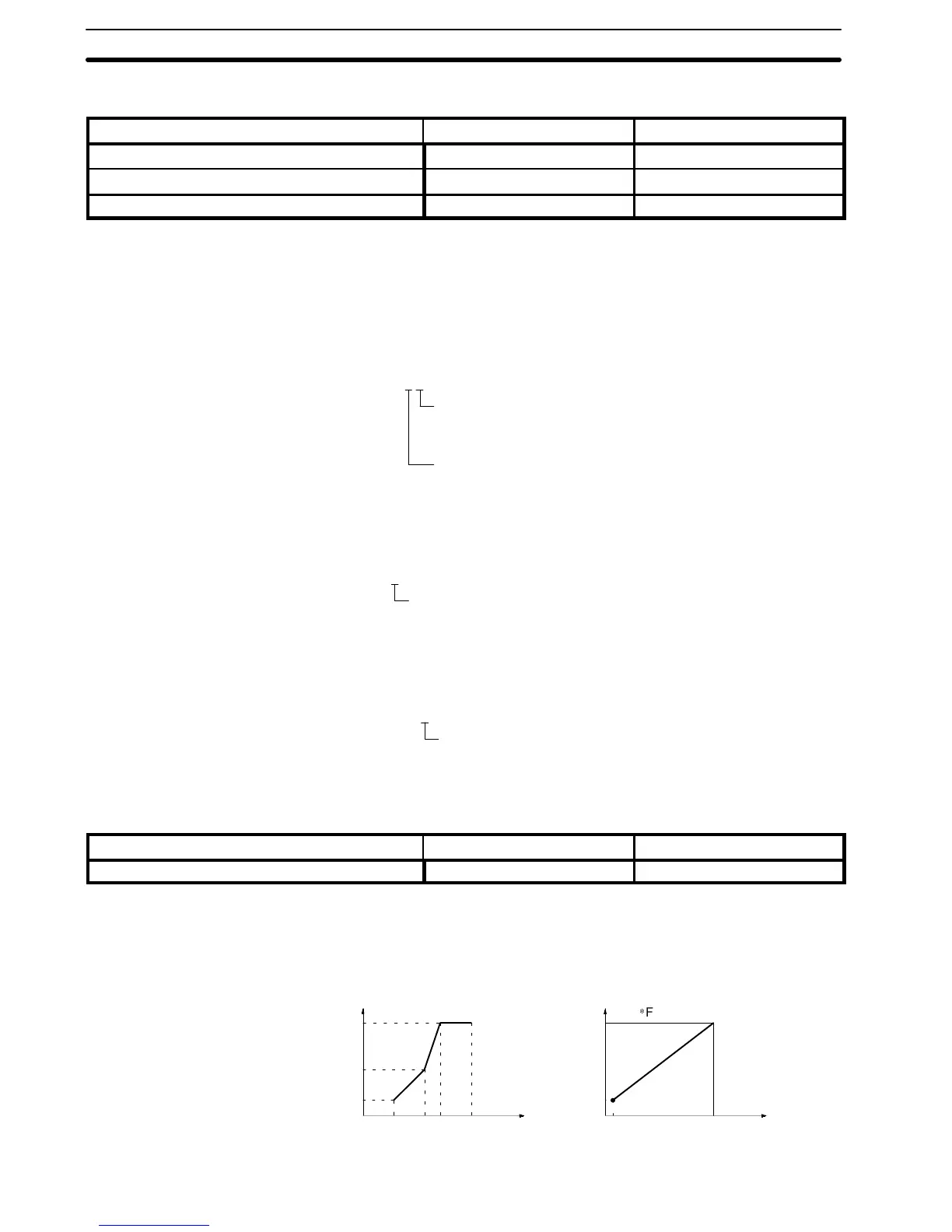
2-10-3 V/f Characteristics Setting
Item name Constant to be set Factory preset
V/f constant No. 2 to No. 8 Refer to page 38.
Any desired V/f pattern can be set for special specifications, too.
Any V/f pattern can be set according to the load characteristics.
The factory preset value is set to 60 Hz saturation type pattern.
No. 8
No. 6
No. 3
No. 20
No. 8
No. 6
No. 3
60 Hz0
12
200 V
1.5 Hz
No. 7 No. 5No. 4No. 2
Freq.
Voltage
Freq.
Voltage
Factory preset
V/f pattern setting
No. 7No. 5No. 4
Reverse Rotation
Prevention
Section 2-10












 To Next Page