47
Creating I/O Tables Section 3-6
(2) With the CJ2H-CPU@@-EIP and CJ2M-CPU3@ CPU Units, the built-in
EtherNet/IP port is set in the I/O tables by default and cannot be changed.
It is not necessary to register it in the I/O tables.
Use the following procedure to create the I/O tables.
CX-Programmer (Version 8.0 or Higher)
This section describes how to register an EtherNet/IP Unit or built-in EtherNet/
IP port in the I/O tables using the CX-Programmer (version 8.0 or higher).
Refer to the CX-Programmer Operation Manual (Cat. No. W446) for details on
the operating procedures.
This section describes how to register the CJ1W-EIP21 in the I/O tables by
creating the I/O tables on a computer with the CX-Programmer. In this
example, the computer is connected to the PLC using a serial cable. The
CJ1W-EIP21 is connected to a CJ1H-CPU67 CPU Unit.
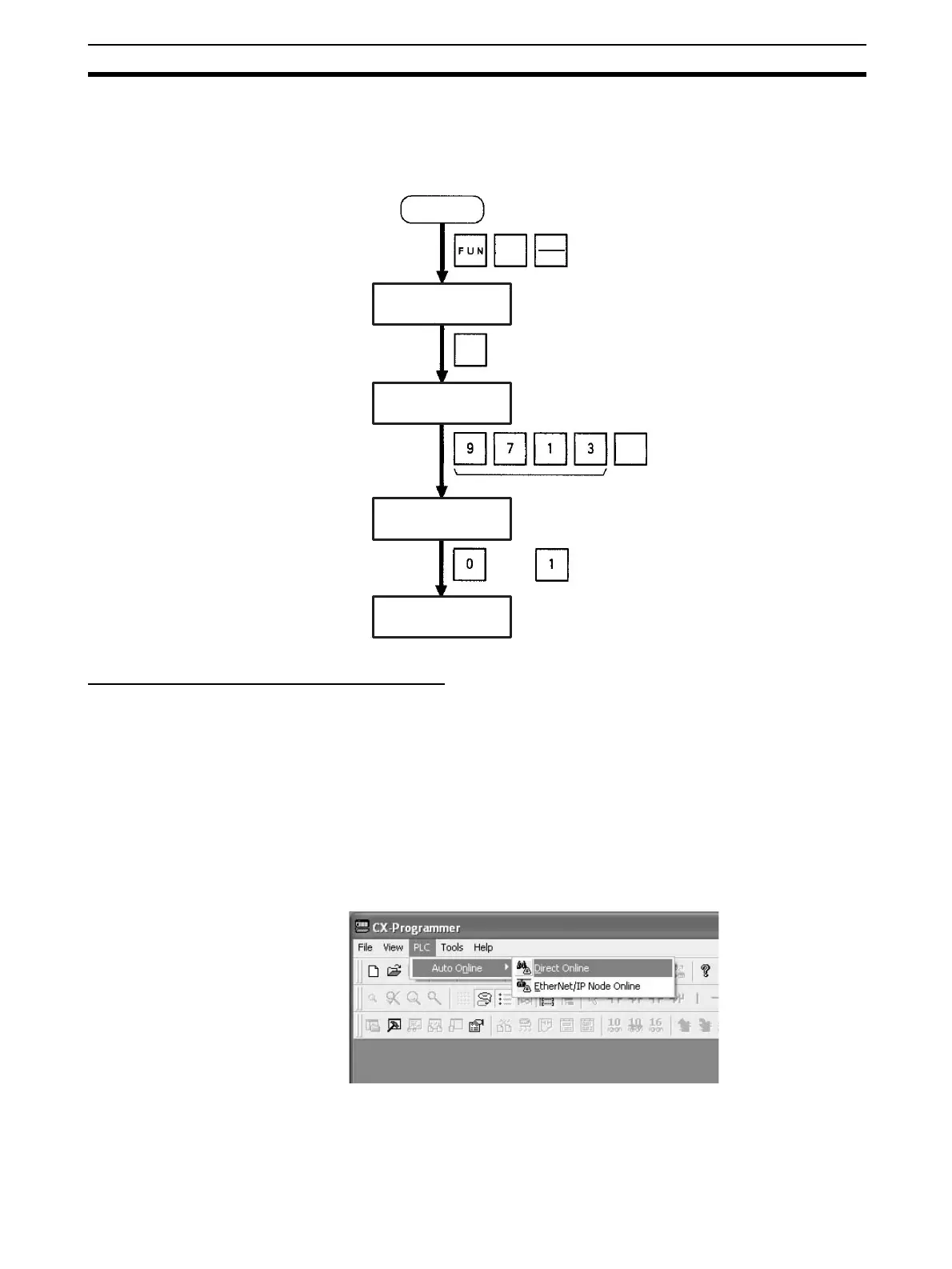
1,2,3... 1. Start the CX-Programmer, and then select PLC
−
Auto Online
−
Direct
Connection from the menus.
Initial screen
Password
or
(Save or clear the CPU Bus Unit System Setup.)
SHIFT
WRITE
CHG
CH
*DM
000000 I/O TBL ?
000000 I/O TBL
WRIT ????
000000CPU BU ST?
0:CLR 1:KEEP
000000 I/O TBL
WRIT OK










 To Next Page