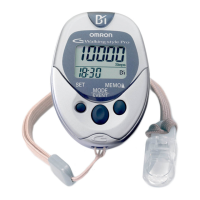
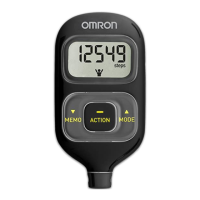
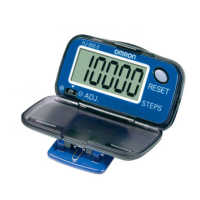
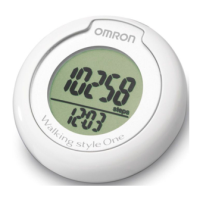
12
Setting range: 12:00 AM-11:59 PM
1. Install the battery.
(Refer to “Battery Installation” on page 10)
The hour flashes on the display.
If the MEMO/▲ or SET Button is not pressed
for 5 minutes, complete setting and display
the number of steps and time. Press and hold
the SET Button to change the setting.
2. Press the MEMO/▲ Button to advance by
increments of one hour.
NOTE:
Press the MODE Button to return the hour
to 12AM.
3. Press the SET Button to set the hour.
The minutes flash on the display.
4. Press the MEMO/▲ Button to advance by
increments of one minute.
Press and hold the button to advance
the time in 10 minute increments.
NOTE:
Press the MODE Button to
return the minute to 00.
12
SETTING THE TIME



 To Next Page
 Loading...