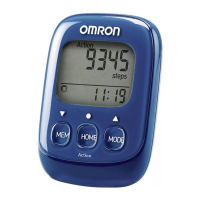
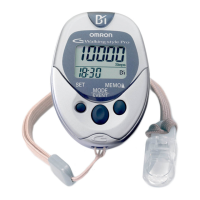
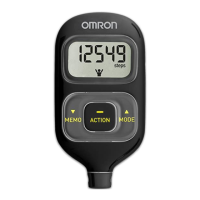
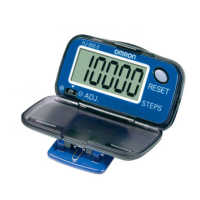
14
1. Press the MEMO/▲ Button
to advance by increments of 1 lb.
Press and hold the button to advance weight
in 10 lb increments.
NOTE:
Press the MODE Button to return the
weight to 88.
2. Press the SET Button to set the weight.
The stride length flashes on the display.
14
SETTING THE WEIGHT
Setting range: 70 to 300 lb.
The weight flashes on the display.



 To Next Page
 Loading...