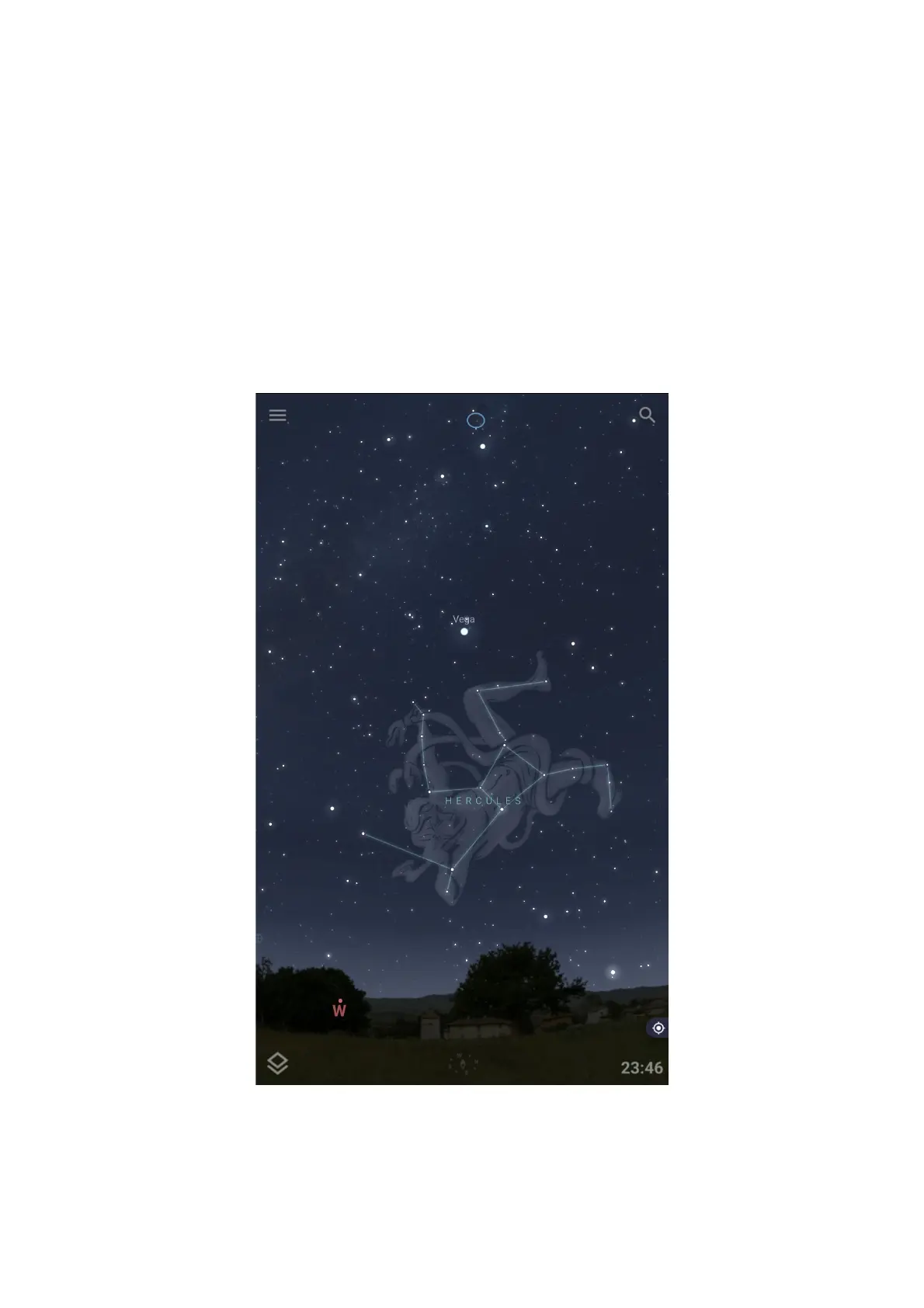
On the Android platforms, you can connect Stellarium Mobile Plus to OnStep
via WiFi (IP address 192.168.0.1, at port 9998) or via the Bluetooth
On the iOS platforms, the Stellarium Mobile Plus can only connect to the
OnStep via WiFi (IP address 192.168.0.1, port 9998)
10.1 Quick Operation Guide on Stellarium Mobile Plus
The Stellarium Mobile Plus is available on both the iOS and Android devices.
You should align the Scope using the Smart Handpad or the Handpad App first.
Connect your device to the OnStep controller via WiFi or Bluetooth.
Open the menu by tapping the menu bar at the top left of the display
36


 To Next Page