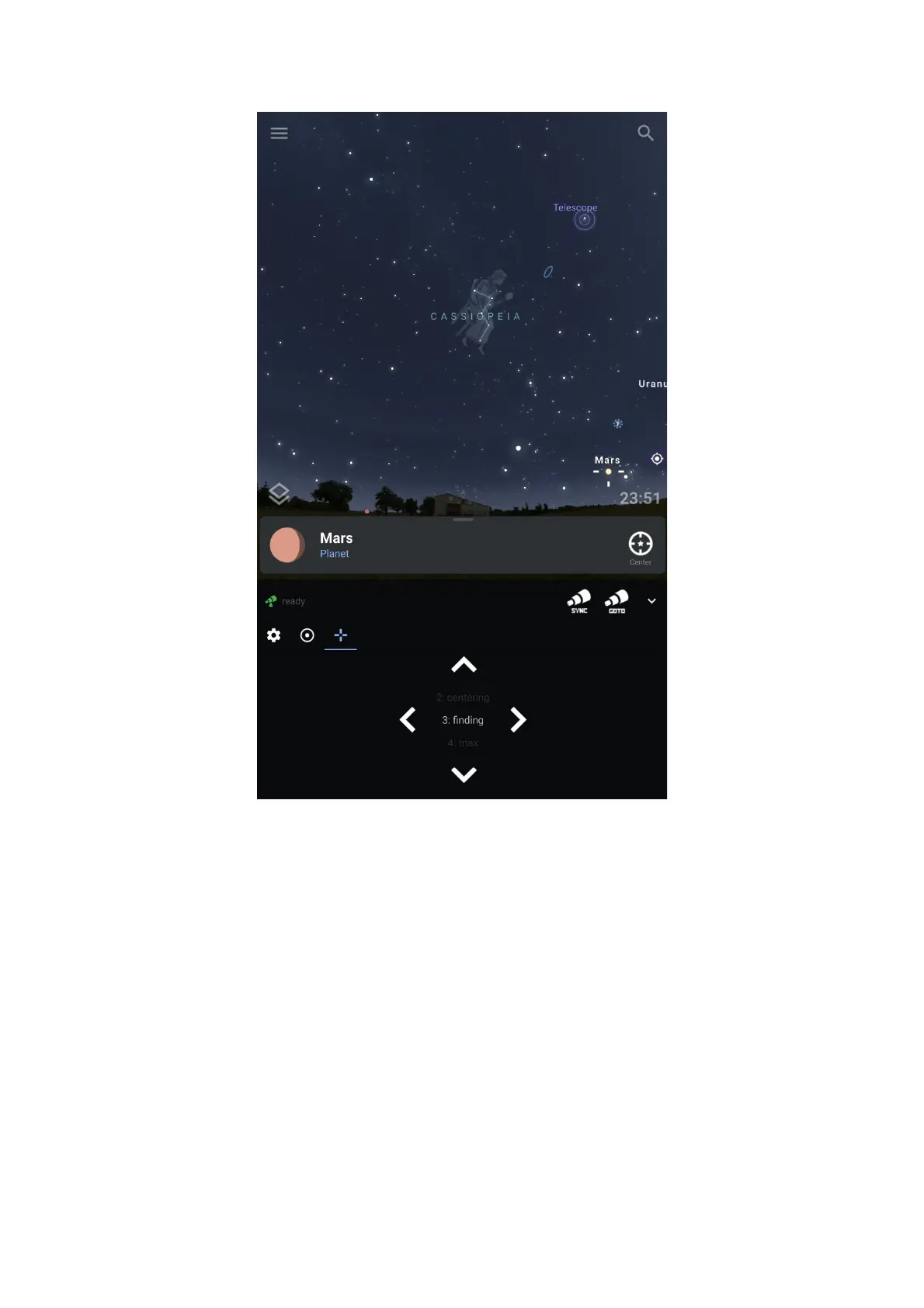
10.2 Quick Operation Guide on Stellarium on MS Windows platform
Stellarium on Windows offers a rich feature set and various ways to connect to the
OnStep telescope controller. Here, we’ll focus on establishing a connection via
Bluetooth. Ensure you have the necessary drivers and software installed before
starting the process.
Step 1: Pairing with Bluetooth
Add Bluetooth Device: Ensure your OnStep controller’s Bluetooth is turned on and
discoverable. On your Windows machine, go to “Settings” > “Devices” and click on
“Add Bluetooth or other device”. Select the OnStep controller from the list and
complete the pairing process.
Step 2: Identifying the COM Port
39


 To Next Page