Navigate to Device Manager: Access the Control Panel and select "Device
Manager". Expand the section labeled “Ports (COM & LPT)”.
Locate OnStep Ports: You should observe two entries titled “Standard Serial over
Bluetooth link” followed by a COM number (e.g., COM3, COM4). This number is
crucial as it indicates the communication port through which Windows and OnStep
will converse. Unfortunately, it is not explicitly stated which port is master, so it may
require testing both.
Step 3: Configuring Stellarium
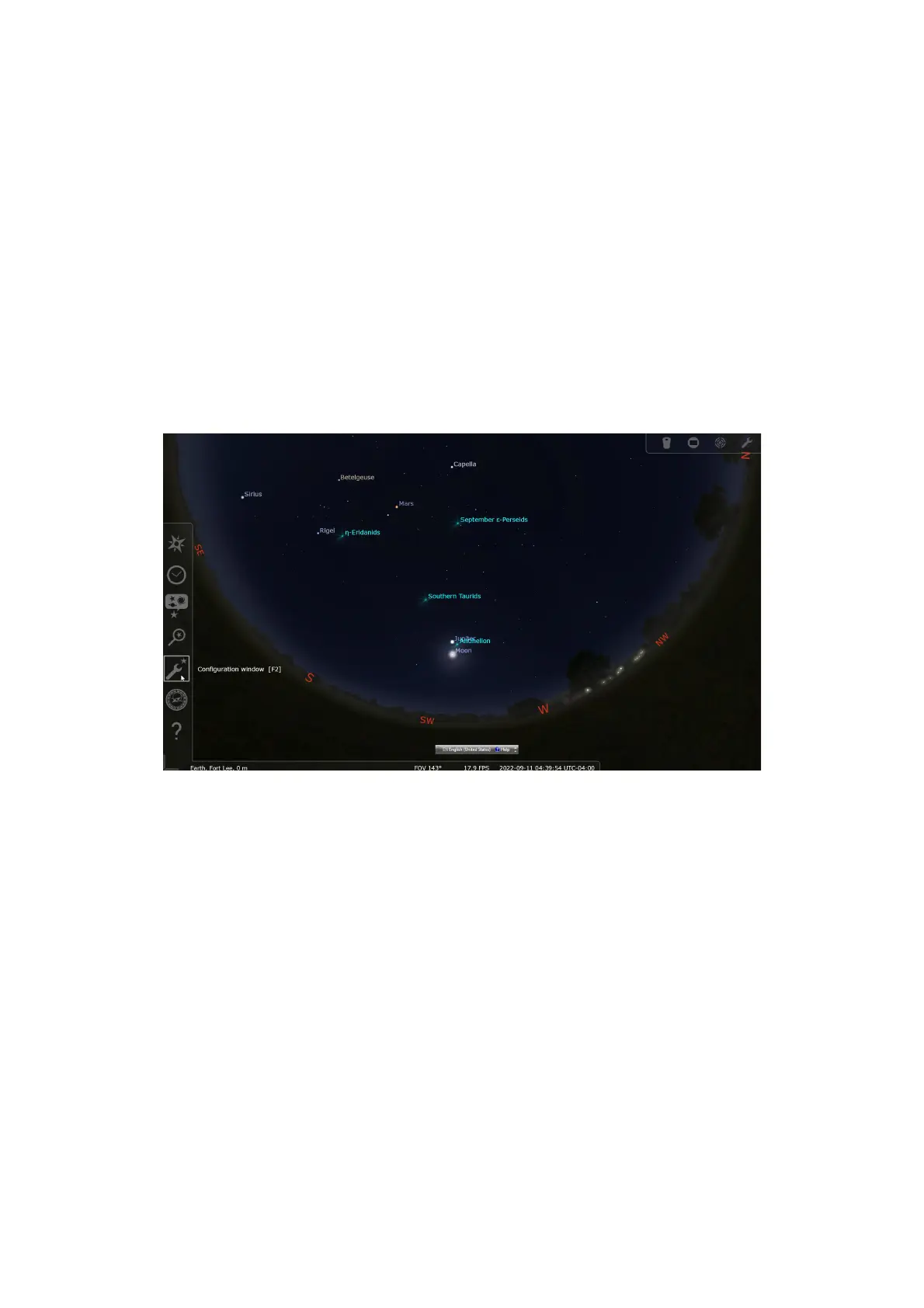
Access Plugin Tab: Open Stellarium. On the lower-left side of the screen, find and
click on the “wrench” icon to open the Configuration Window. Navigate to the
“Plugins” tab.
Navigate to Telescope Control: Scroll until you find “Telescope Control” in the left
pane and select it. Make sure the “Load at startup” box is ticked; if not, do so and
restart Stellarium after saving the configuration.
40


 To Next Page