53
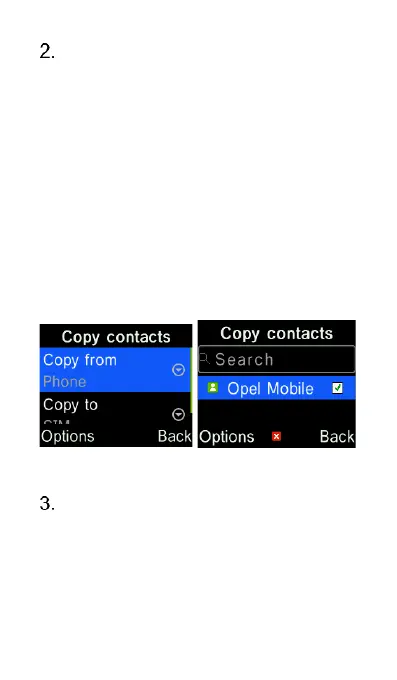
To copy contacts from phone to
SIM or from SIM to phone. Press
“OK” on Copy. Then press “OK” on
“Copy from” and select either
phone or SIM as the source. Then
press “OK” key on “Copy to” and
select either phone or SIM as the
destination. Then press “Options”
key and select “OK” to select
contacts. Use the cursor keys and
the “OK” key to select individual
contacts, then press “Options” key
and select “OK” to start copying.
To export contacts in phone
memory to a memory Card, select
“Export contacts”. Then press
“Options” key and select “OK” to
select contacts. Use the cursor















 To Next Page