54
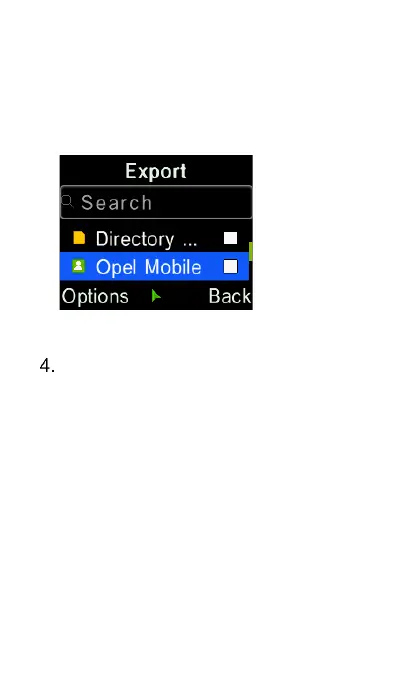
keys and the “OK” key to select
individual contacts. Then press
“Options” key and select “OK”, and
choose the folder you want to save
the exported contacts.
To import contacts from a memory
card to Phone memory, select
“Import contacts”. Then select the
files you want to import by press
the “OK” key. Then select “OK” to
complete the import. You can
press left and right cursor keys to
select Internal phone memory or
External memory card.















 To Next Page