69
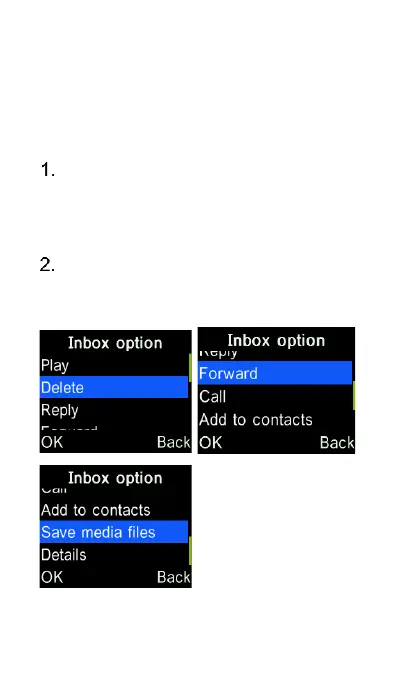
Delete or forward a
message, or save the
media file attachment
Use cursor keys to highlight and
open the message you want to
delete, forward or save, then press
the “OK” key to select and open it.
Press “Options” key and select the
actions from the menu by press the
“OK” key















 To Next Page