70
Quick Responses
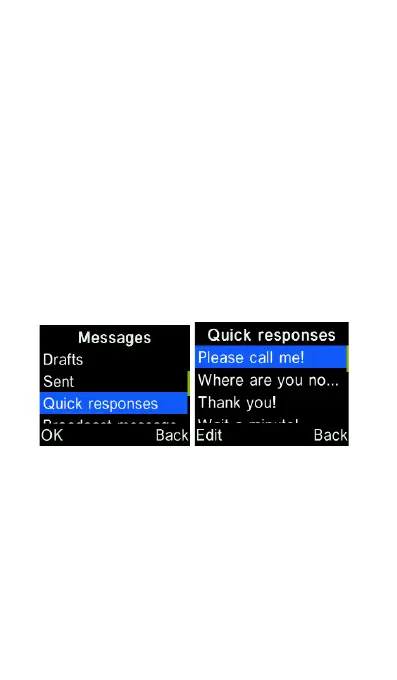
You can add new quick response or
edit/delete an existing quick
response. From the Messages
menu, scroll down to Quick
responses and press the “OK” key.
Here you can edit or add a quick
response message. To send a
quick response, highlight it and
press “OK” key to create a new
message with it.
Message capacity
You can check the memory
capacity for storing all the text and
multimedia messages here. If the















 To Next Page