73
Adjust volume – Change the sound
volume of ringtones, alerts and
voice calls. Press “OK” on the tone
you want to edit, then use the
up/down volume buttons to change
the volumes.
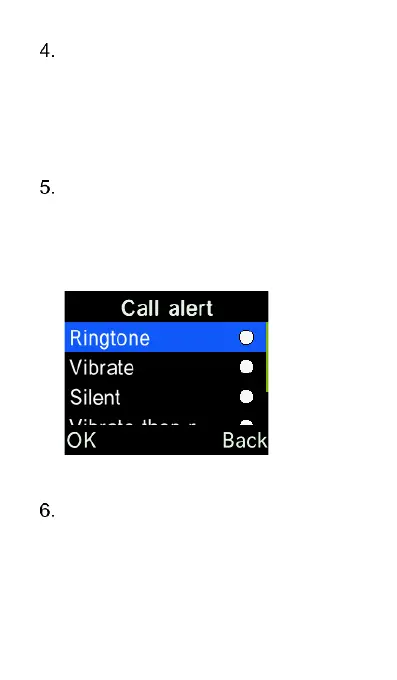
Ringtone mode – Select ringing,
vibrate or silent for calls and alerts.
Press the “OK” key on the alert you
want to modify then press the “OK”
key on the mode you want to save.
Other alert ring – Change the tone
of the keypad, battery low alert and
dial tone (including Talking
Keypad). Press the “OK” key on
the function you want to edit then















 To Next Page