29
5. Discard – Selecting discard will delete the message you are creating and go back to the
message folder.
View and reply to messages
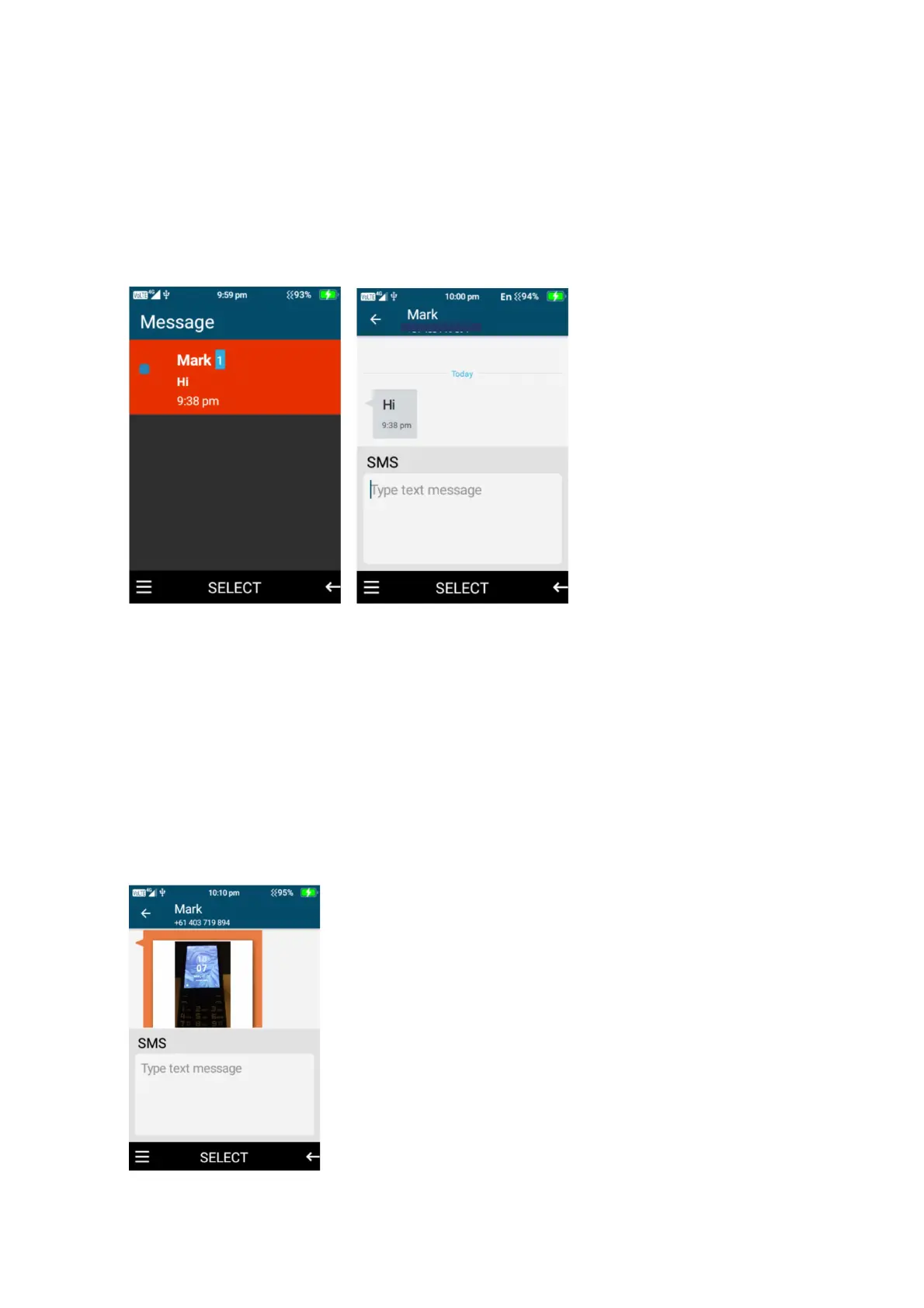
1. To view a new message or a previous conversation click select on the conversation you
wish to view by pressing the ok button. Once opened you can scroll up and down the
message conversation to read or view images that have been sent to you.
2. To reply to a message, scroll the cursor down to the “type text message” then type the
message or use the message menu options to attached pictures, videos or more.
Once complete select the menu option and click send.
Save, delete, and forward images, video’s, audio and text messages
1. To save, delete or forward an image, video, audio or text message that has been sent to
you. Open the message that contains the item you wish to save and scroll to that item, so it
is highlighted.















 To Next Page