30
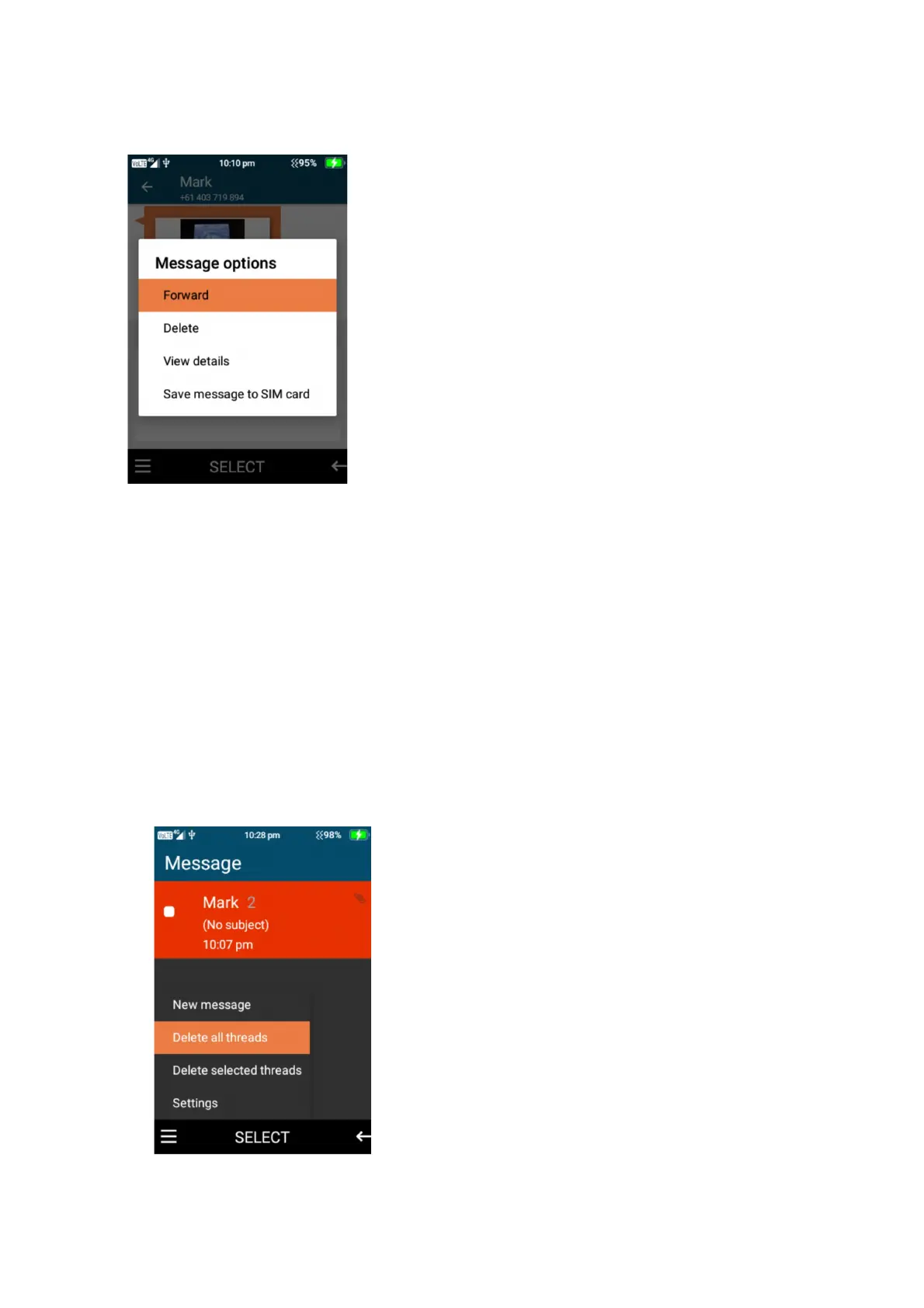
2. Once highlighted long press on the item, then choose whether you wish to forward, delete or
save the attachment.
Message settings
To open message settings, while in the main interface of messages, press the left selection
button to open the message settings menu.
You are able to delete all threads, delete selected threads, adjust the SMS settings, amend the
MMS settings, notification options and message font size options.
1. Delete all threads – to delete all message select this option and confirm to delete















 To Next Page